Banking application data model
Visualize the intricate workings of a banking system with the banking application data model example.
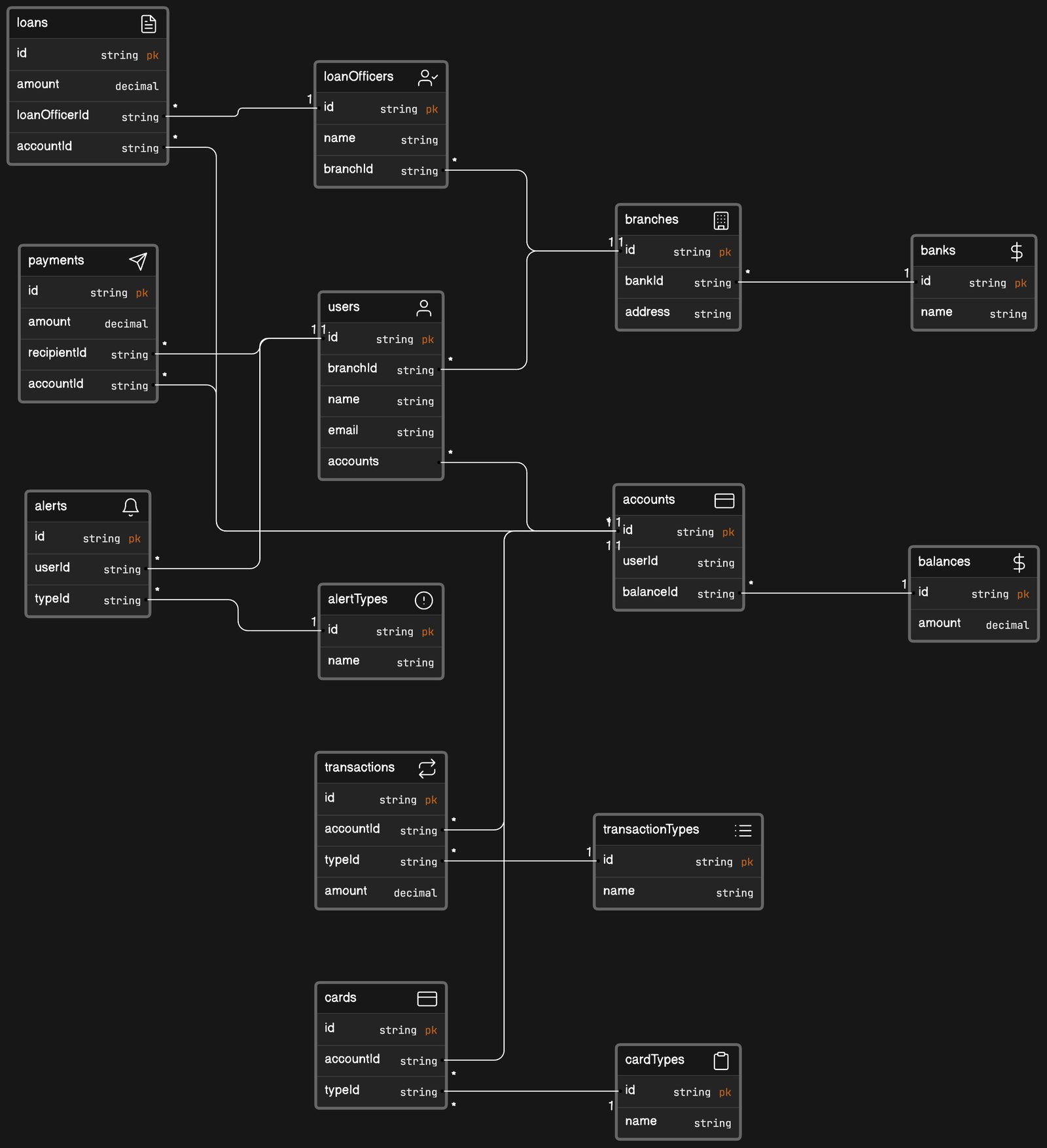
 Data Model Entity Relationship Diagram
 About this example
Digital banking relies heavily on complex data relationships, which are neatly captured in this example’s architecture.
- User and Account Management: Links users to their accounts, detailing essential personal and financial data.
- Transactional Flow: Traces the journey of money through loans, payments, and account balances.
- Financial Product Range: Categorizes banking products such as loans and cards with specific types.
- Compliance and Alerts: Sets up alert systems for transactions, ensuring regulatory compliance and customer engagement.
When to use
- Application Redesign: When reengineering a banking system for modern, digital-first customers.
- Feature Implementation: Introducing new financial products or services within the banking application.
- Compliance Update: Adjusting data models to comply with new financial regulations and requirements.
How to use
- Start editing: Make a copy of the example file and open the diagram to start mapping your system.
- Customize diagram: Modify nodes, groups, and relationships using a straightforward diagram-as-code syntax, and add icons to clarify complex relationships.
- Customize layout: Rearrange elements on the canvas to suit your banking application’s logical flow.
- Collect feedback: Use the shared diagram to solicit and incorporate input from your engineering team through the comment function.
Related Examples
View all examples →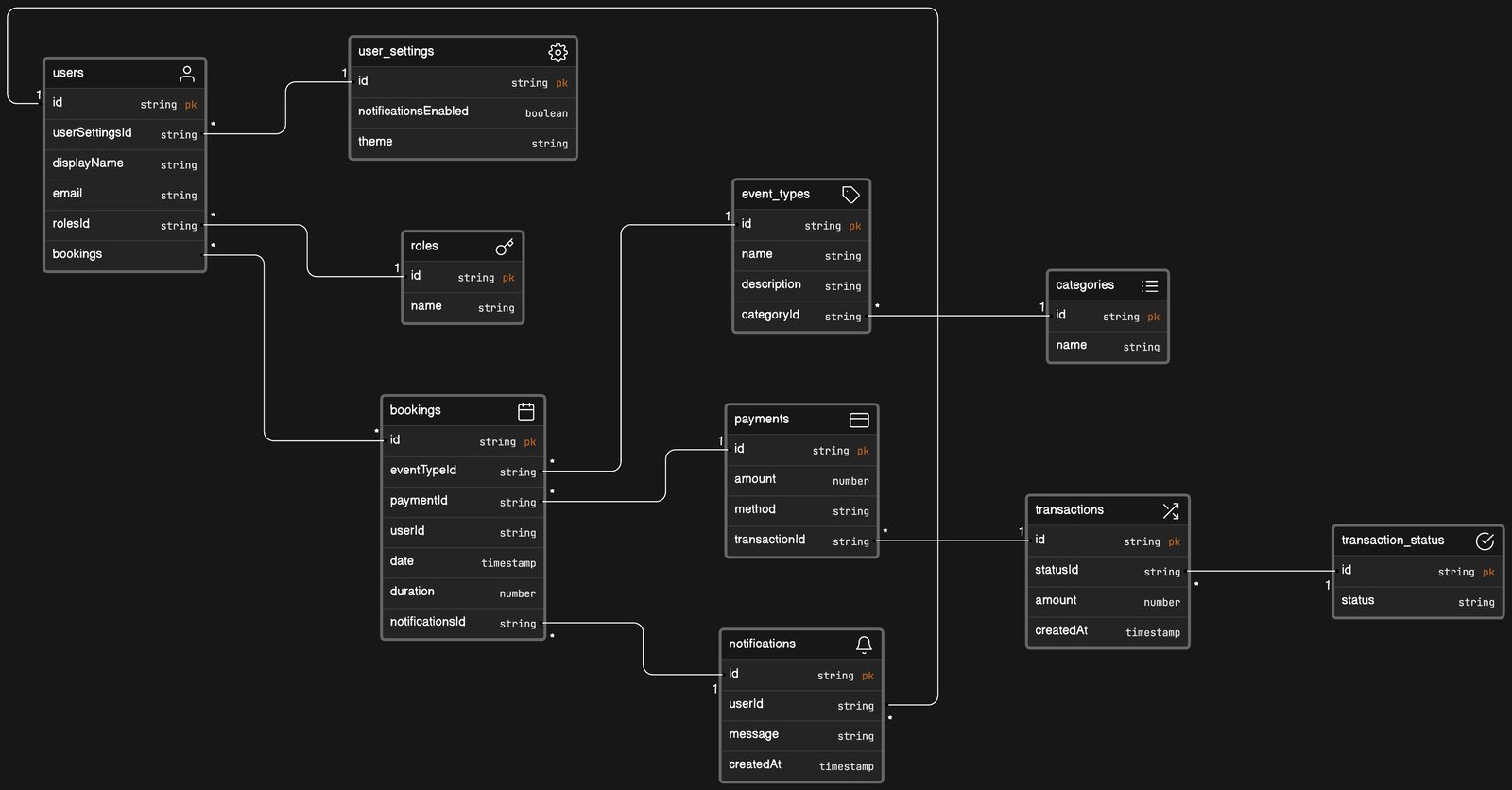
Calendar booking app data model
Visualize complex user interactions and data relationships within your calendar booking application using this example.
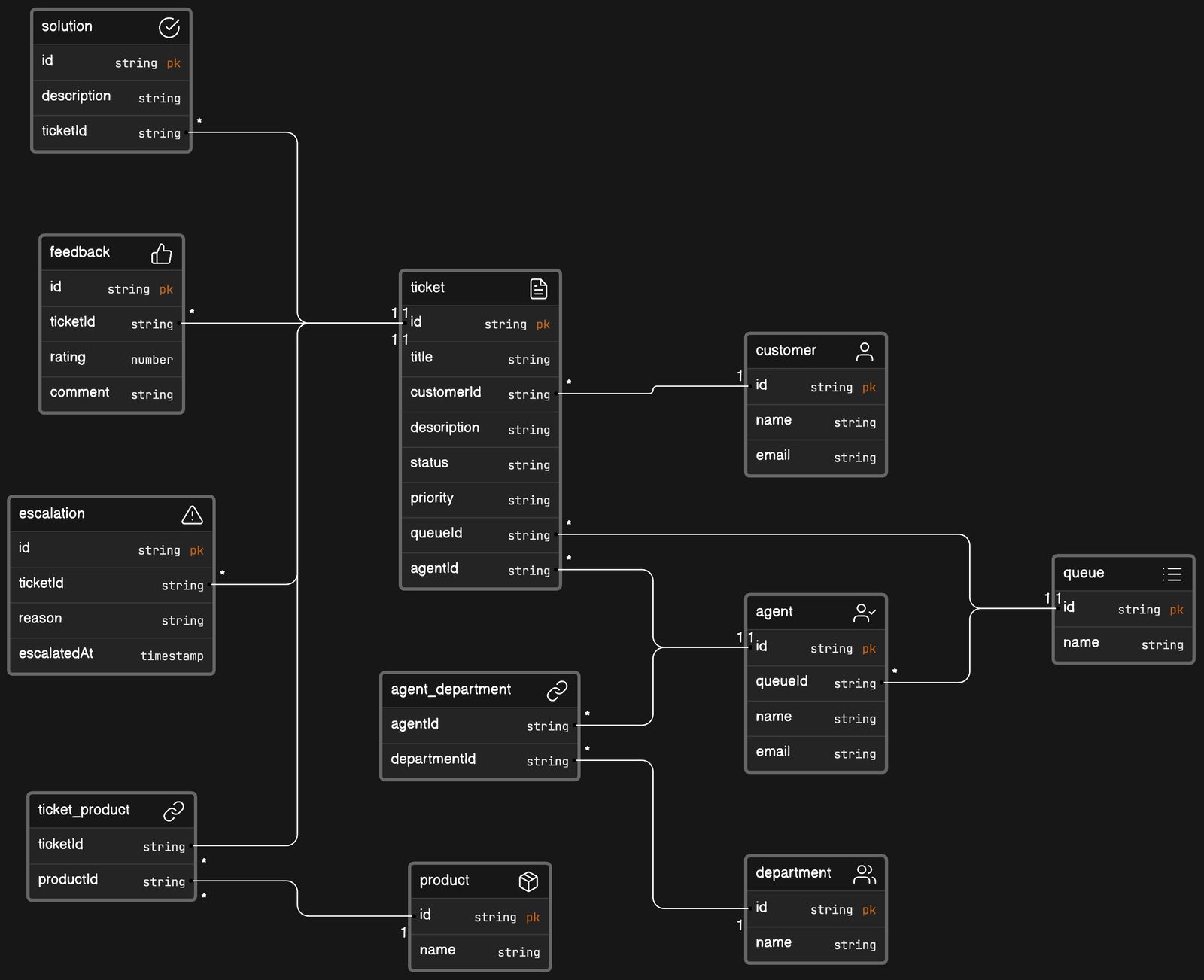
IT help desk software data model
Enhance your IT support framework with the IT help desk software data model example.
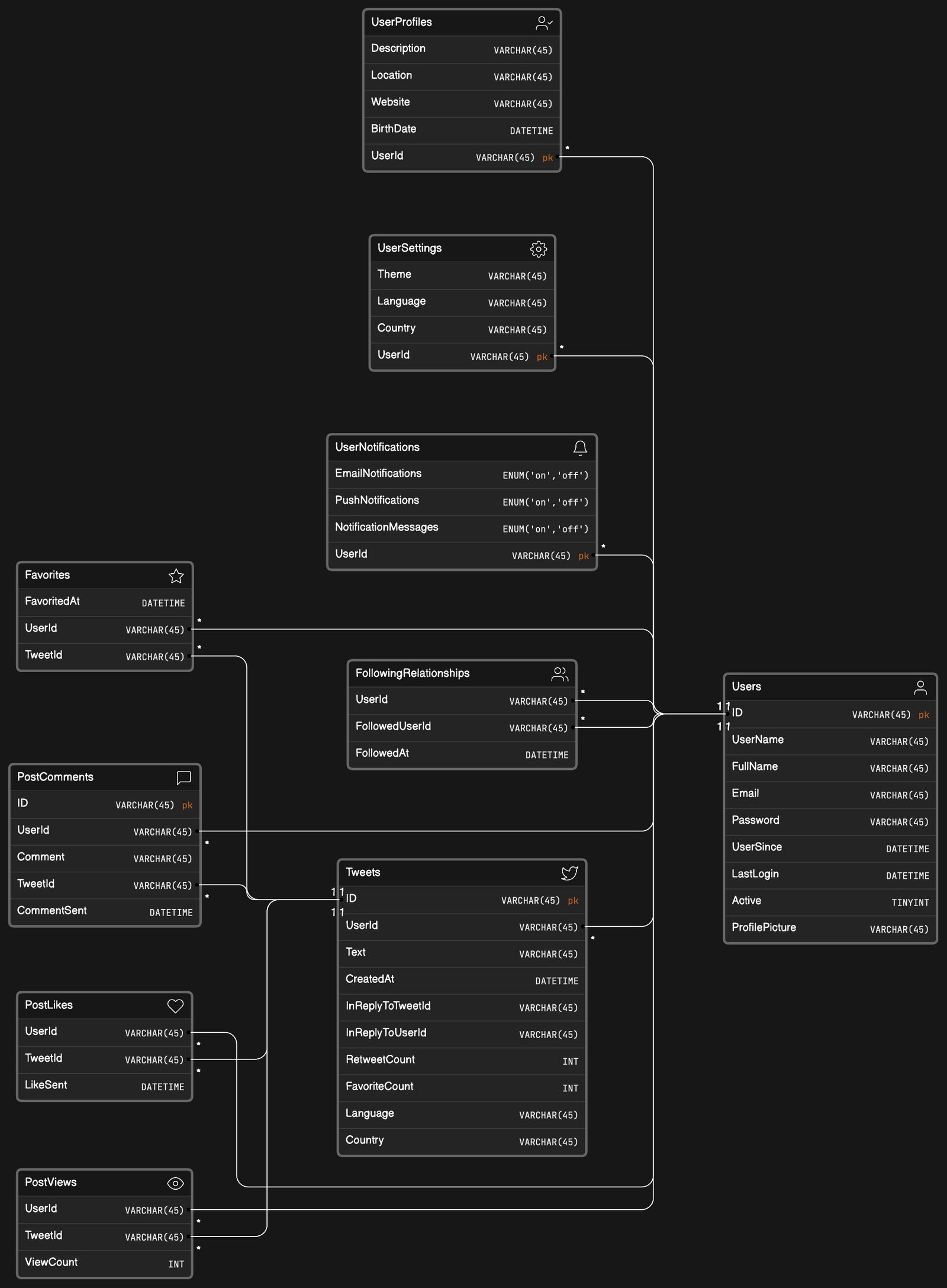
Social network app data model
Visualize complex user interactions with the social network app data model example.
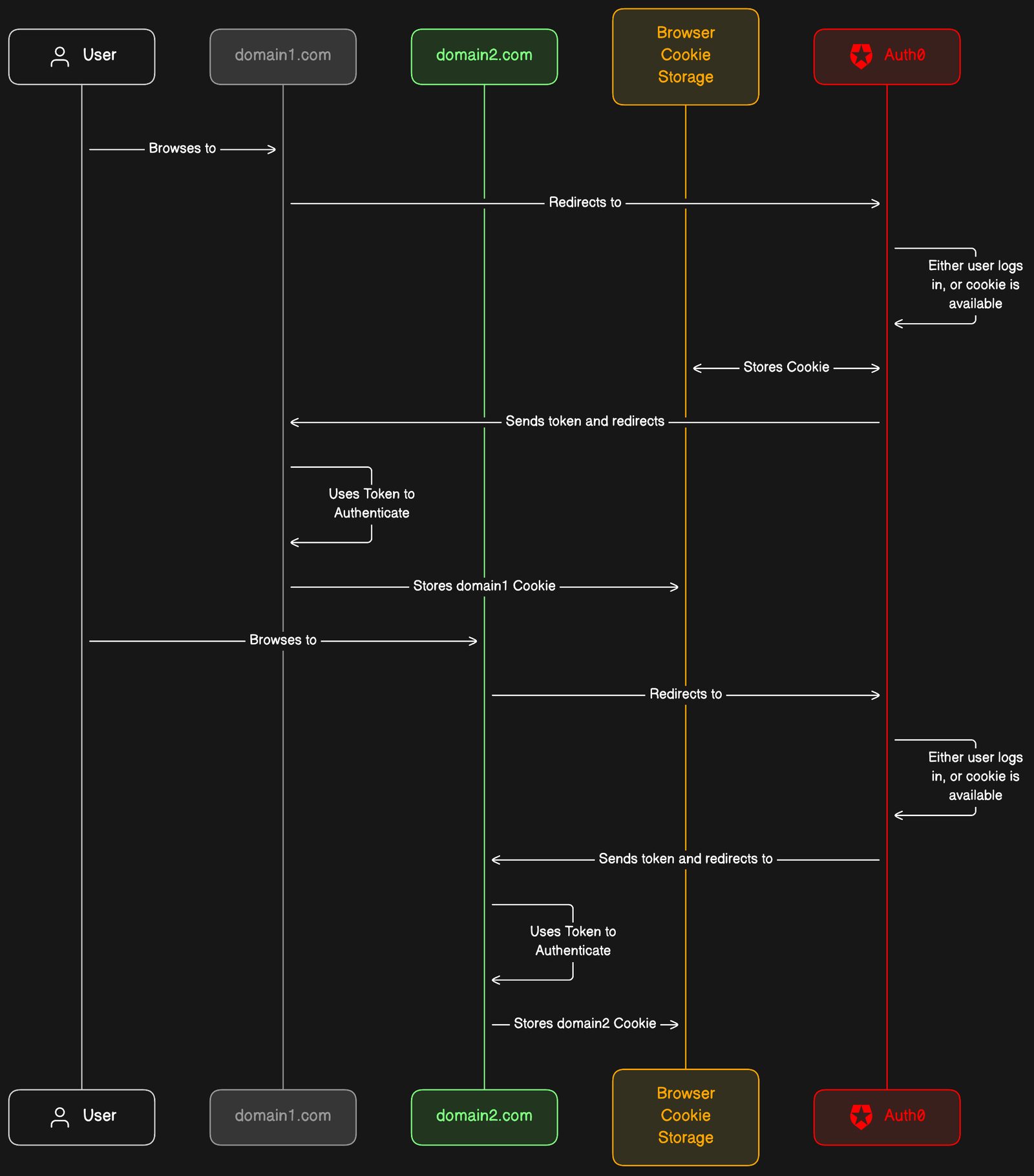
Auth0 SSO
Optimize your cross-domain user authentication experience with the Auth0 integration example.
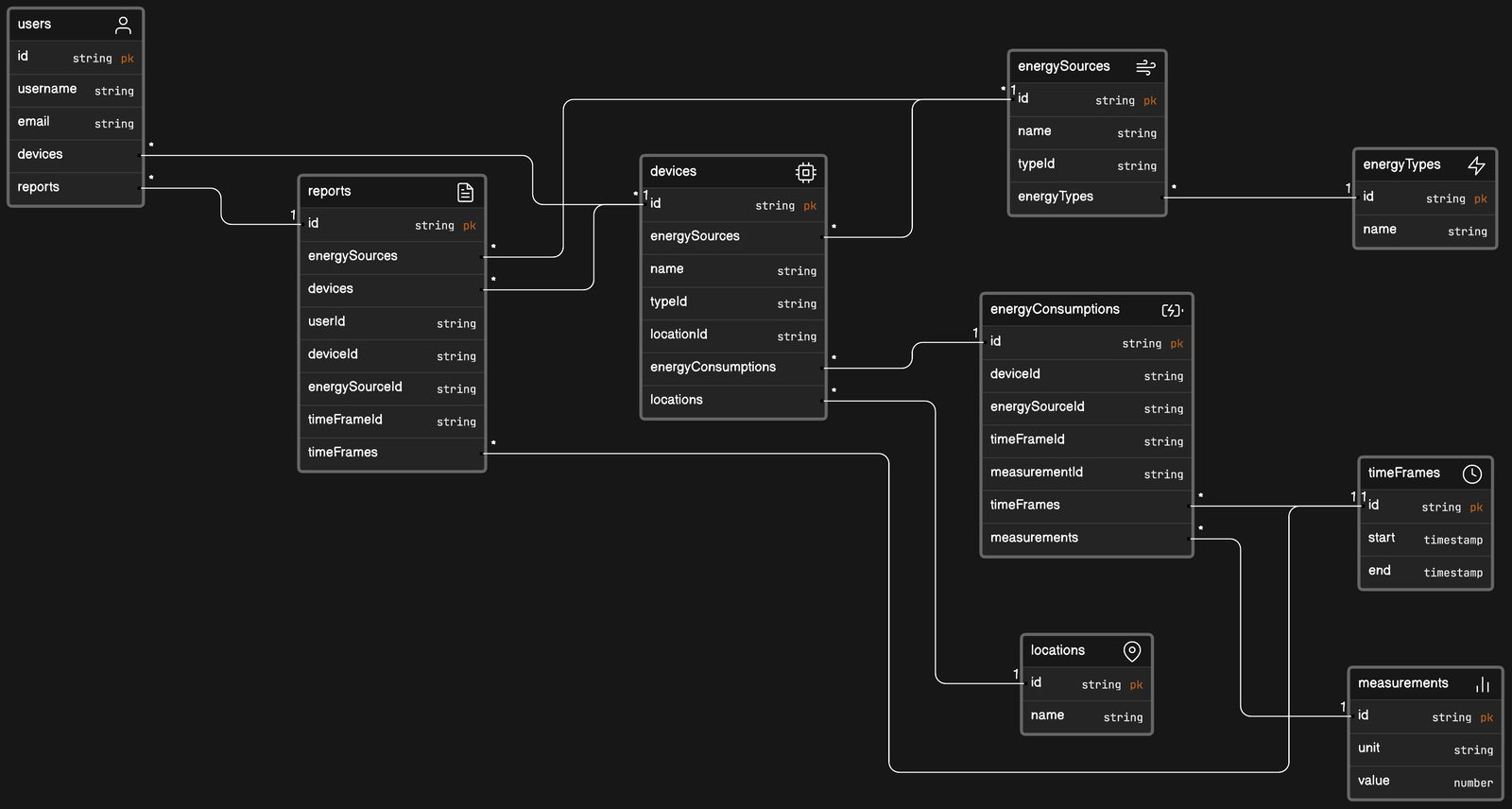
Energy tracking application data model
Optimize sustainability efforts with the energy tracking application data model example.
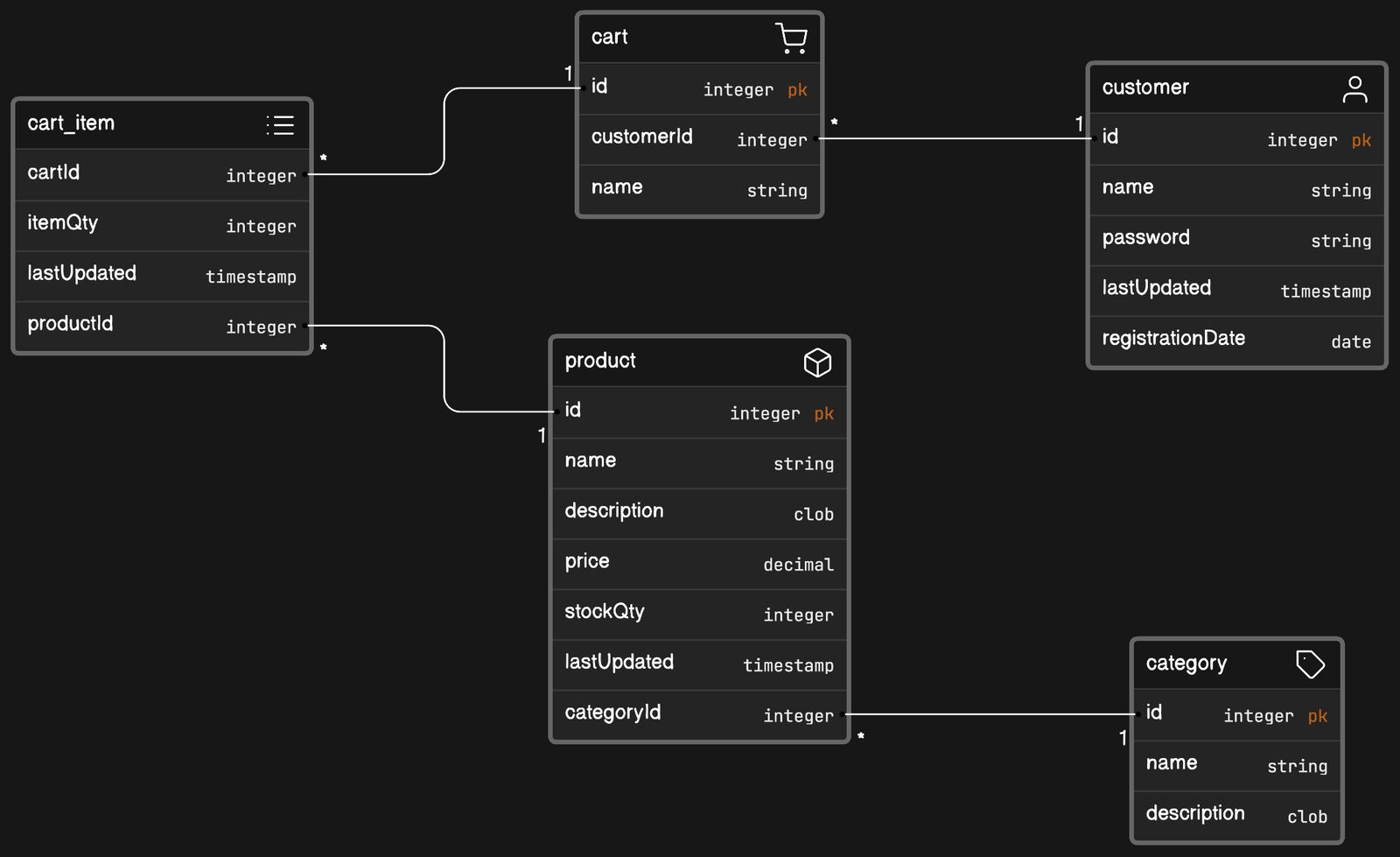
eCommerce website data model
Visualize your eCommerce platform's backbone with the eCommerce website data model example.
See you in the canvas
Unlock your team’s collaborative super powers.