Calendar booking app data model
Visualize complex user interactions and data relationships within your calendar booking application using this example.
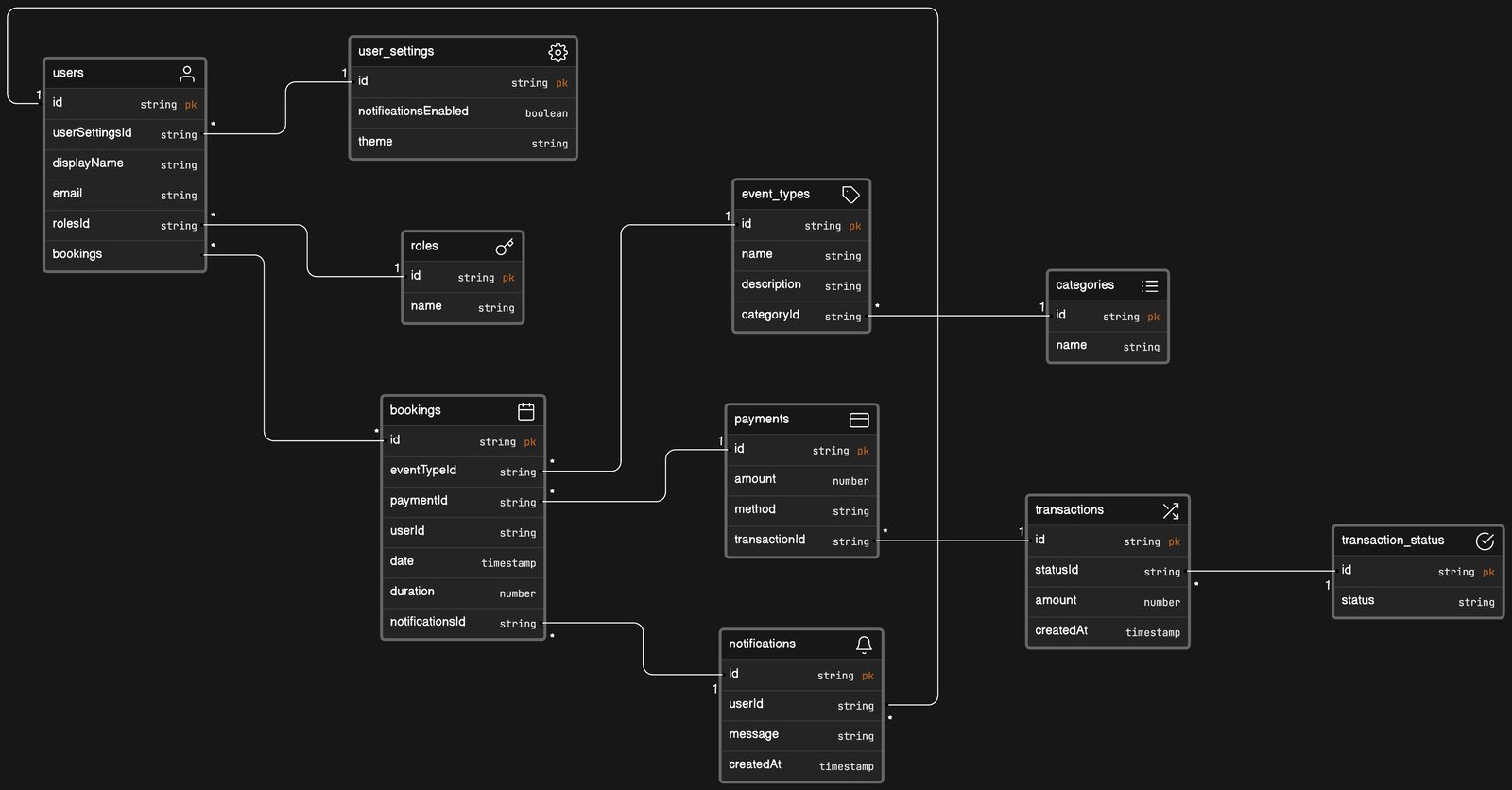
 Data Model Entity Relationship Diagram
 About this example
This data model is crucial for developers designing a calendar booking system that ensures relational integrity and optimized queries:
- User-centric design: Centralizes around the user entity for personalized experiences.
- Interconnected data: Demonstrates how bookings link to user settings, roles, and transactions.
- Payment processing: Includes a payment workflow, connecting payments to bookings and transactions.
- Notifications system: Outlines the notifications infrastructure, vital for user engagement.
When to use
- User engagement model: For apps focusing on user interaction and personalized content delivery.
- Event management platform: When building platforms that manage bookings and event types.
- Transactional systems: For applications that handle payments and require robust financial tracking.
How to use
- Start editing: Apply the model as a foundation for your database schema during the development phase.
- Customize diagram: Modify entity attributes and relationships to suit the specific needs of your application.
- Customize layout: Adjust the positioning of entities to reflect the logical data flow in your system.
- Collect feedback: Present the model to the team for insights and improvements, enhancing the final structure.
Related Examples
View all examples →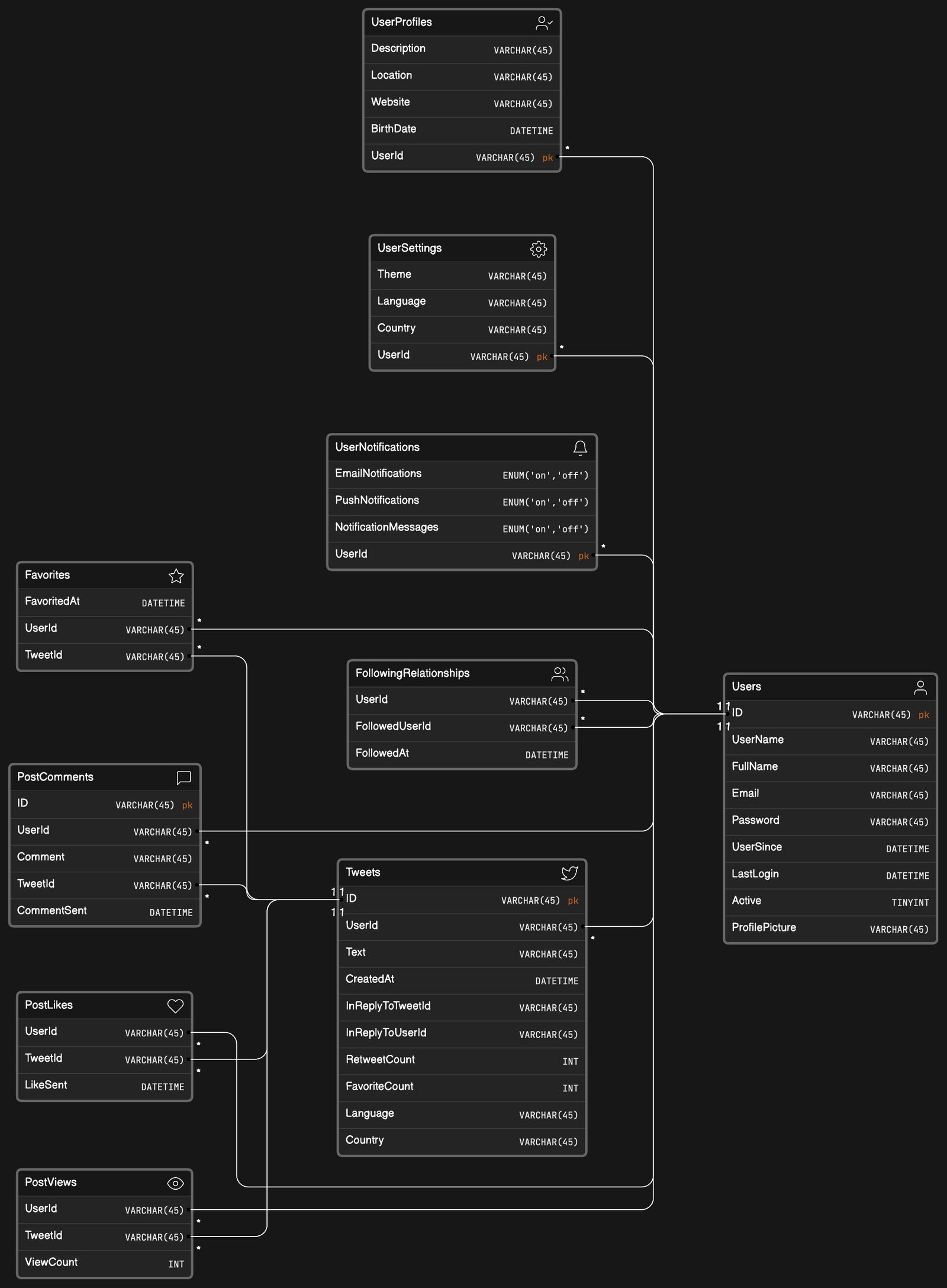
Social network app data model
Visualize complex user interactions with the social network app data model example.
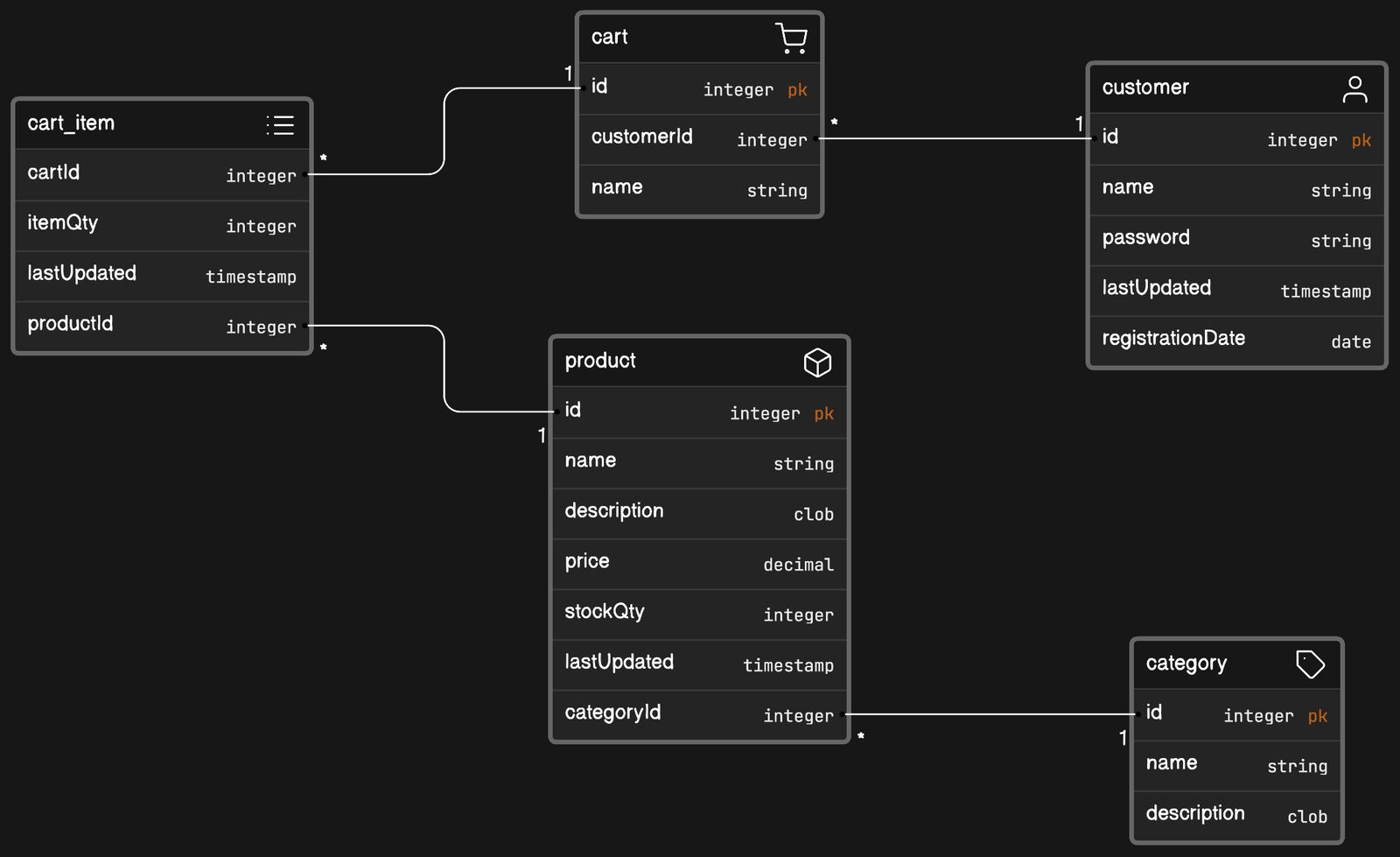
eCommerce website data model
Visualize your eCommerce platform's backbone with the eCommerce website data model example.
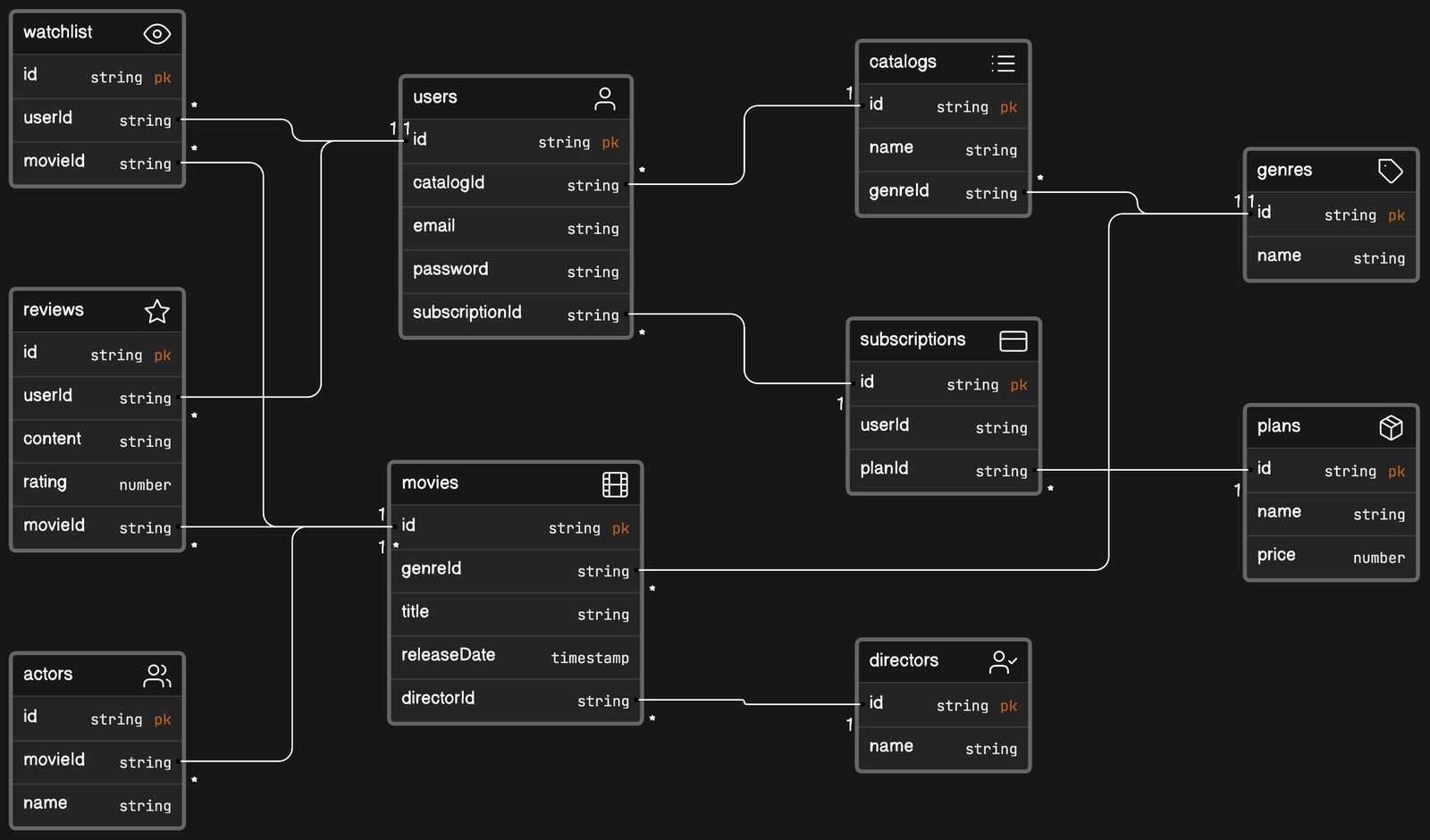
Video streaming app data model
Optimize your service’s architecture with the video streaming app data model example.
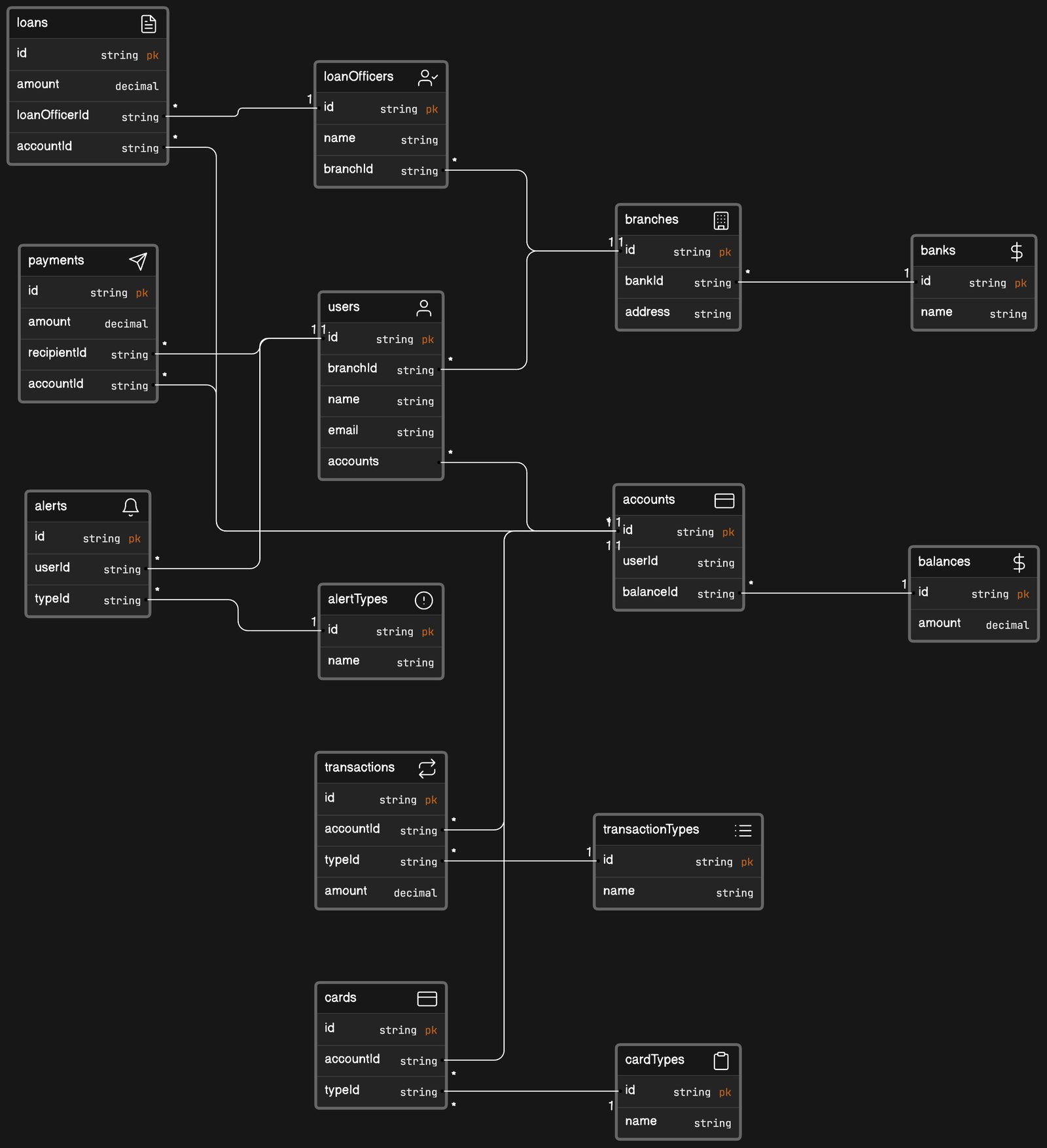
Banking application data model
Visualize the intricate workings of a banking system with the banking application data model example.
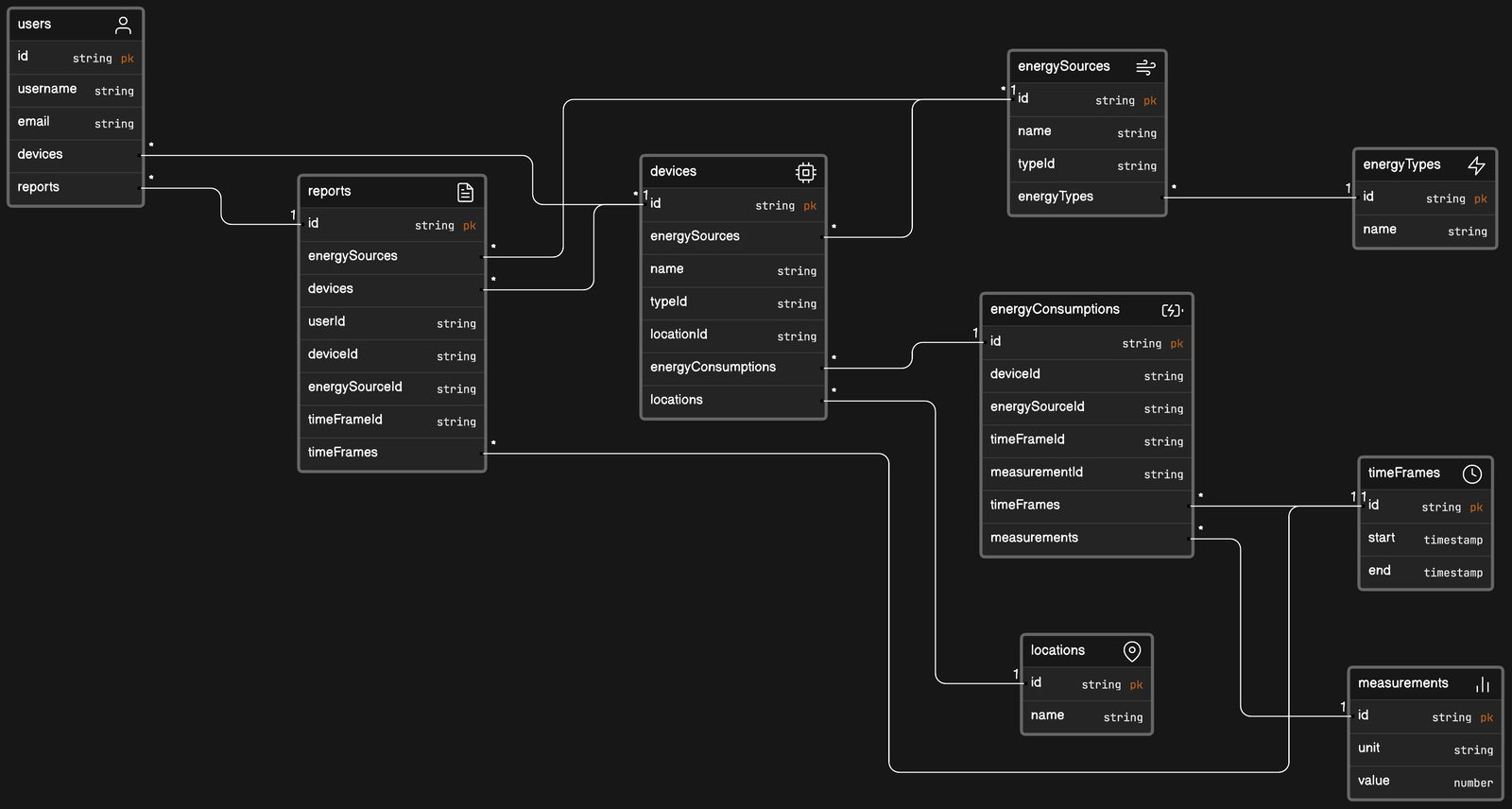
Energy tracking application data model
Optimize sustainability efforts with the energy tracking application data model example.
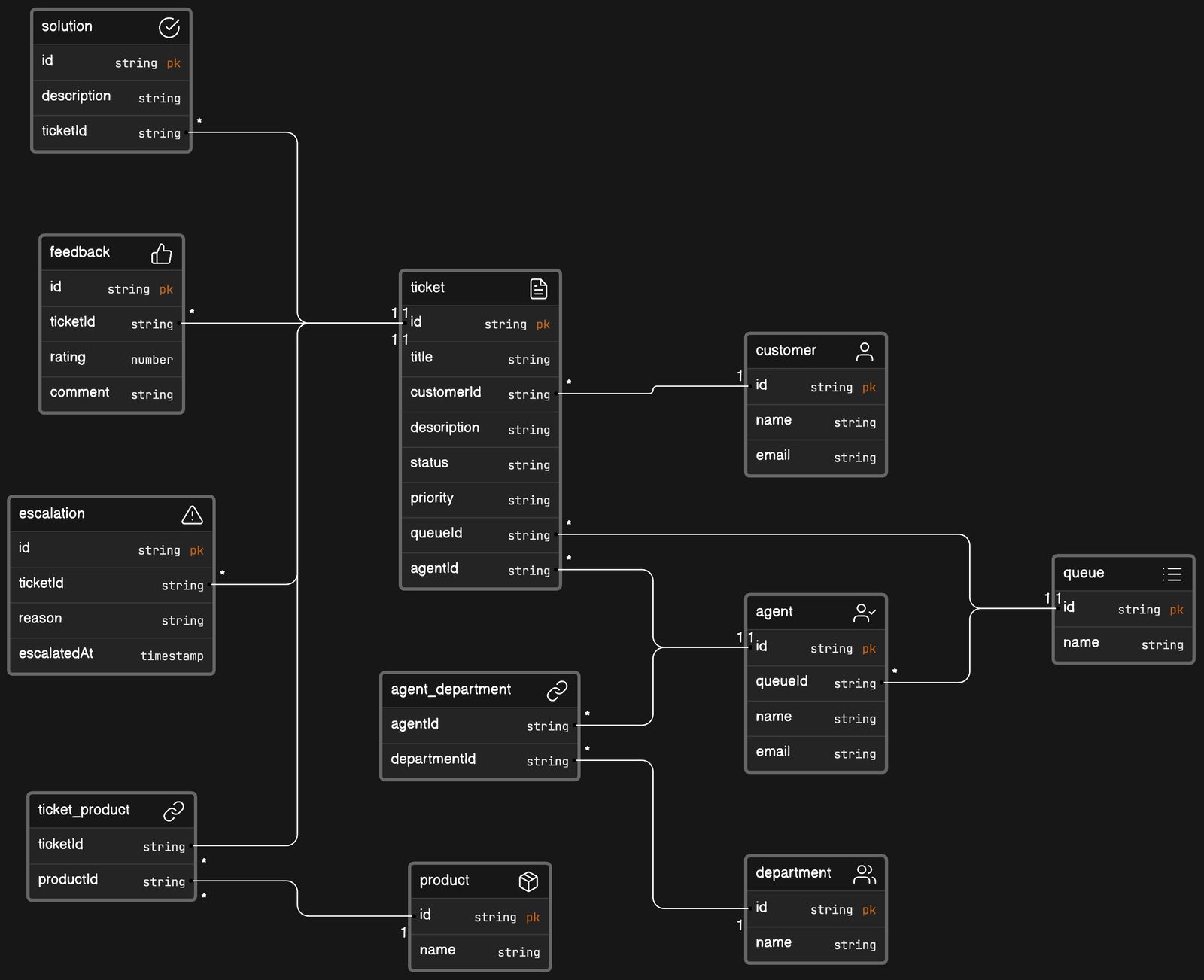
IT help desk software data model
Enhance your IT support framework with the IT help desk software data model example.
See you in the canvas
Unlock your team’s collaborative super powers.