Three-tier web app on Google Cloud
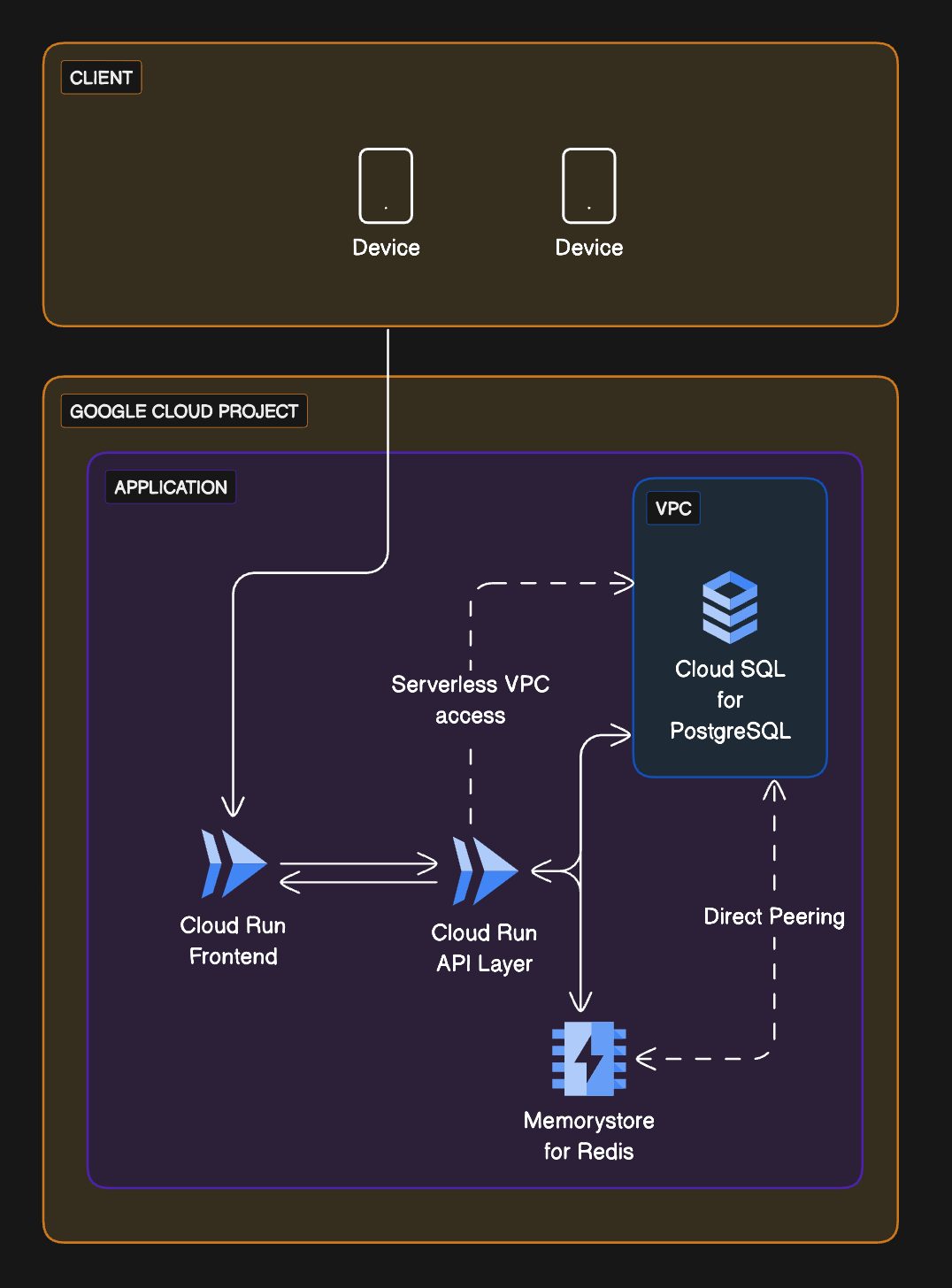
Visualize streamlining your web application infrastructure with this three-tier Google Cloud example.
 Architecture Diagrams
  Cloud Architecture Diagram
  GCP
GCP About this example
Modern web apps benefit from compartmentalized architecture. This diagram highlights:
- Serverless dynamic front-end: Utilizes Google Cloud Run for a scalable, containerized front-end.
- Efficient API management: Depicts a Cloud Run API layer managing communication and serverless VPC access.
- Durable and scalable database: Incorporates Cloud SQL for PostgreSQL with direct peering for data integrity.
- In-memory data caching: Features MemoryStore for Redis, ensuring low-latency data access.
When to use
- Refactoring to microservices: If you’re considering breaking a monolith into a serverless, microservices architecture.
- Optimizing resource management: When needing dynamic scaling for varied traffic without managing infrastructure.
- Implementing caching solutions: To introduce or optimize in-memory caching for performance improvement.
How to use
- Start editing: Copy the example file and begin interacting with the diagram.
- Customize diagram: Add or adjust components, connections, and groupings with a straightforward diagramming syntax, incorporating recognizable icons to enhance clarity.
- Customize layout: Position the elements on the canvas to suit the specifics of your architecture.
- Collect feedback: Circulate the file among your team for collaborative annotation and iterative refinement using the commenting function.
Related Examples
View all examples →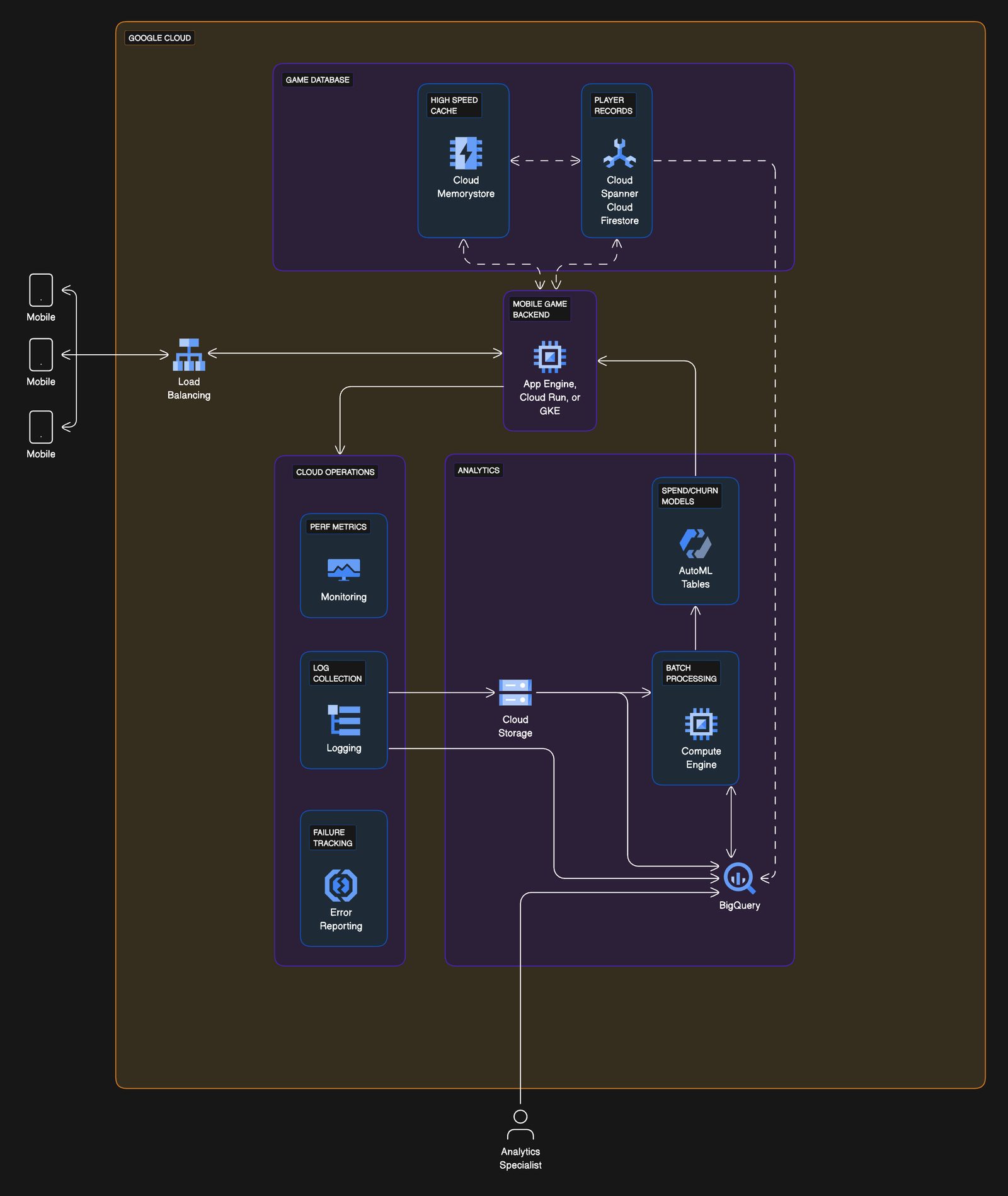
Mobile game architecture on Google Cloud
Visualize the backbone of your mobile gaming app with this Google Cloud architecture example.
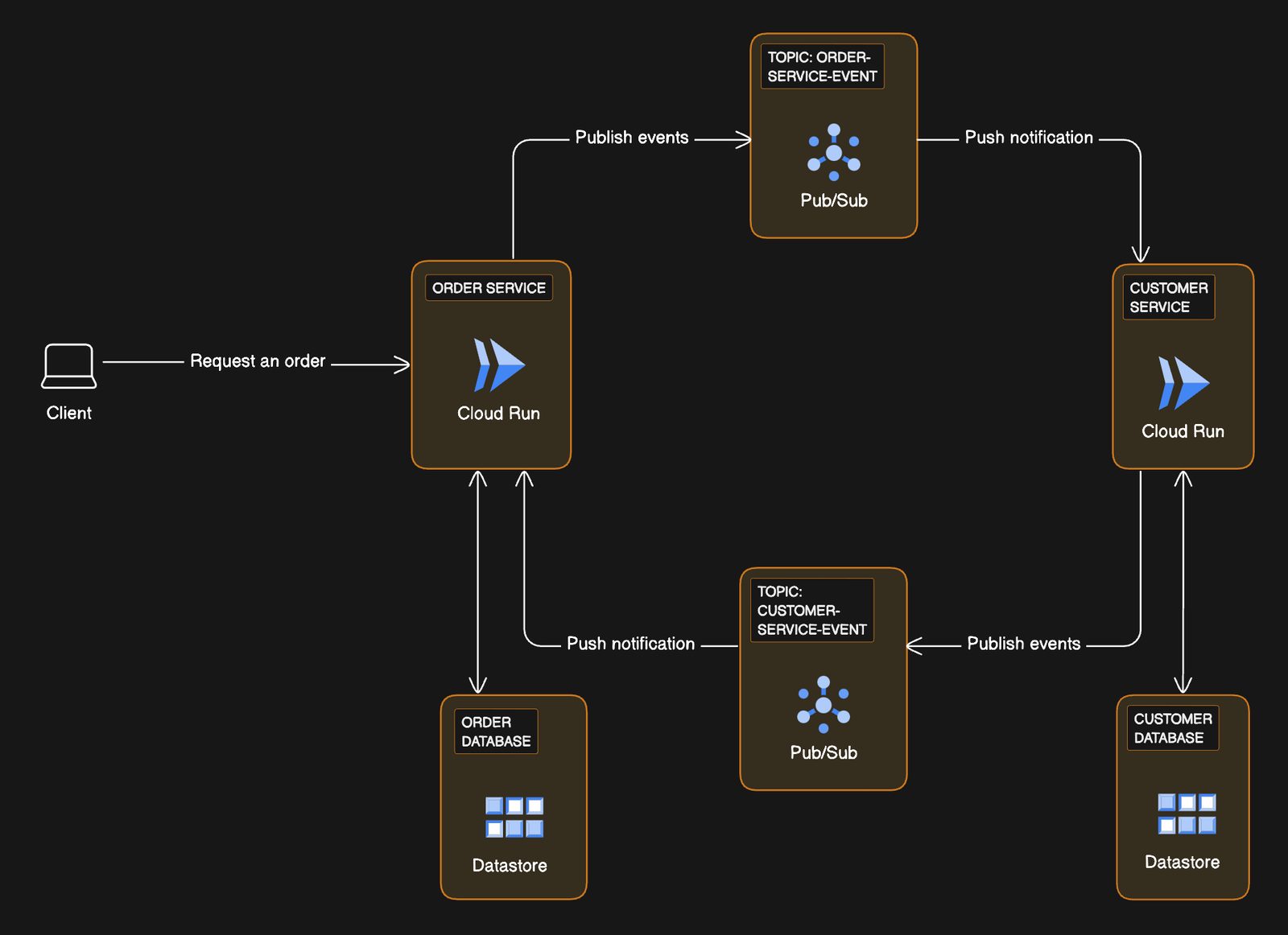
Transactional workflows with microservices on Google Cloud
Visualize optimizing your transactional workflow with this event-driven microservices example on Google Cloud.
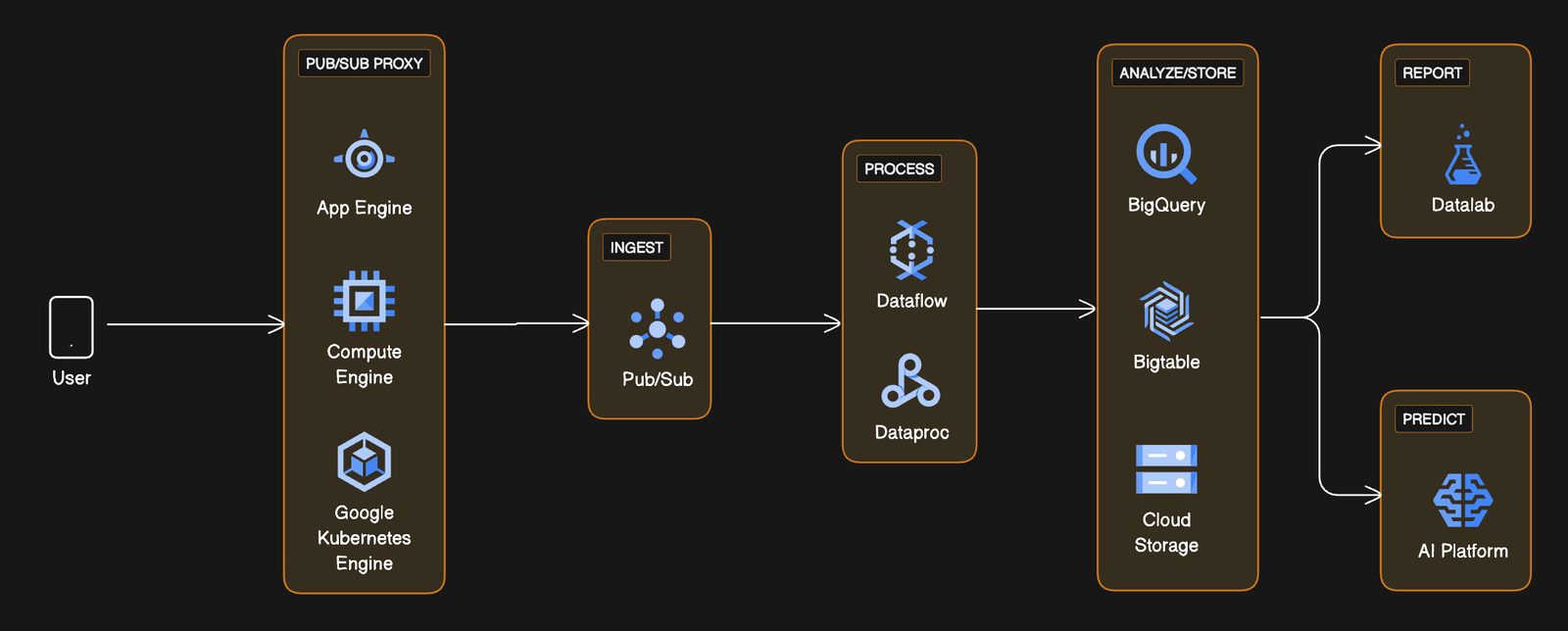
Message publishing via PubSub proxy with Google Cloud
Visualize a streamlined message flow in cloud services with the PubSub proxy on Google Cloud.
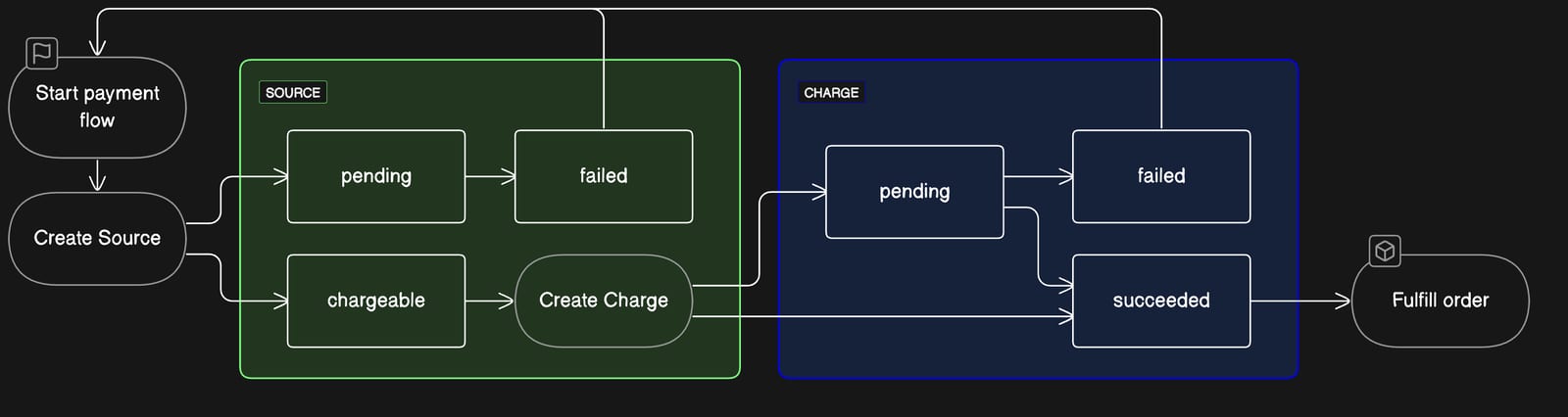
Stripe payment state machine
Streamline your e-commerce transactions with the Stripe Payment State Machine example.
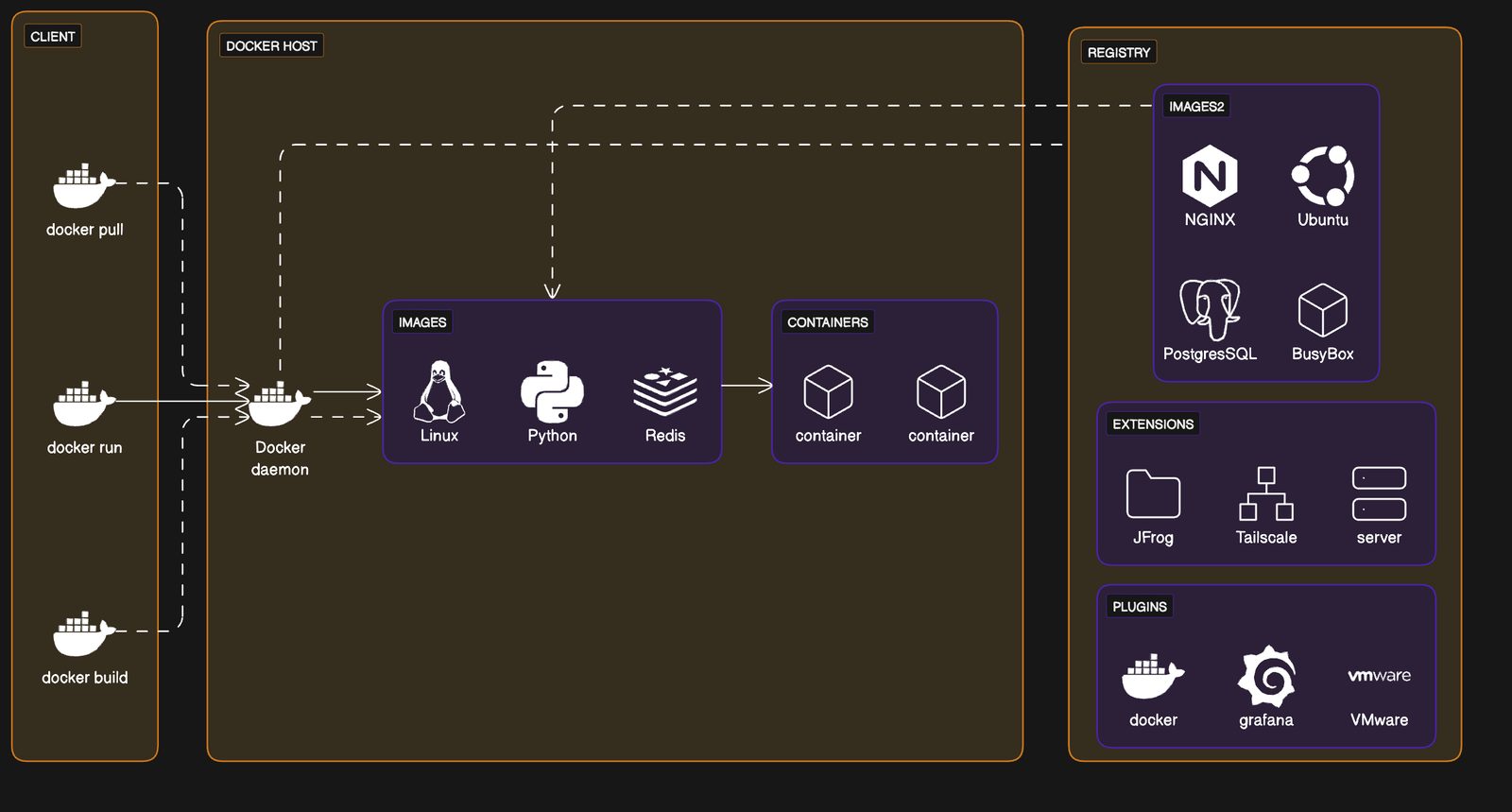
Docker architecture
Streamline your container management with the Docker Architecture example, enhancing your DevOps practices.
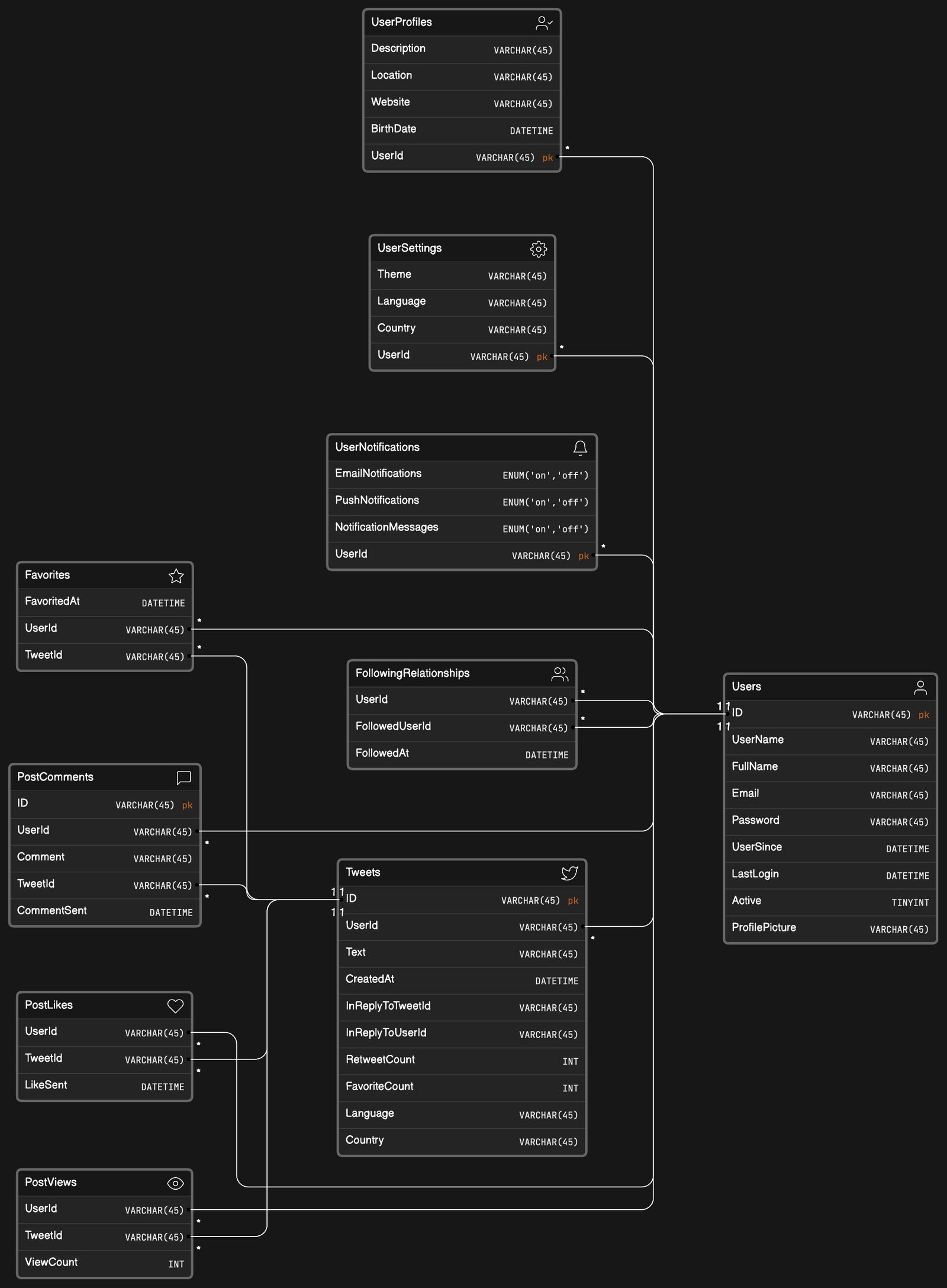
Social network app data model
Visualize complex user interactions with the social network app data model example.
See you in the canvas
Unlock your team’s collaborative super powers.