Procure-to-pay process flow
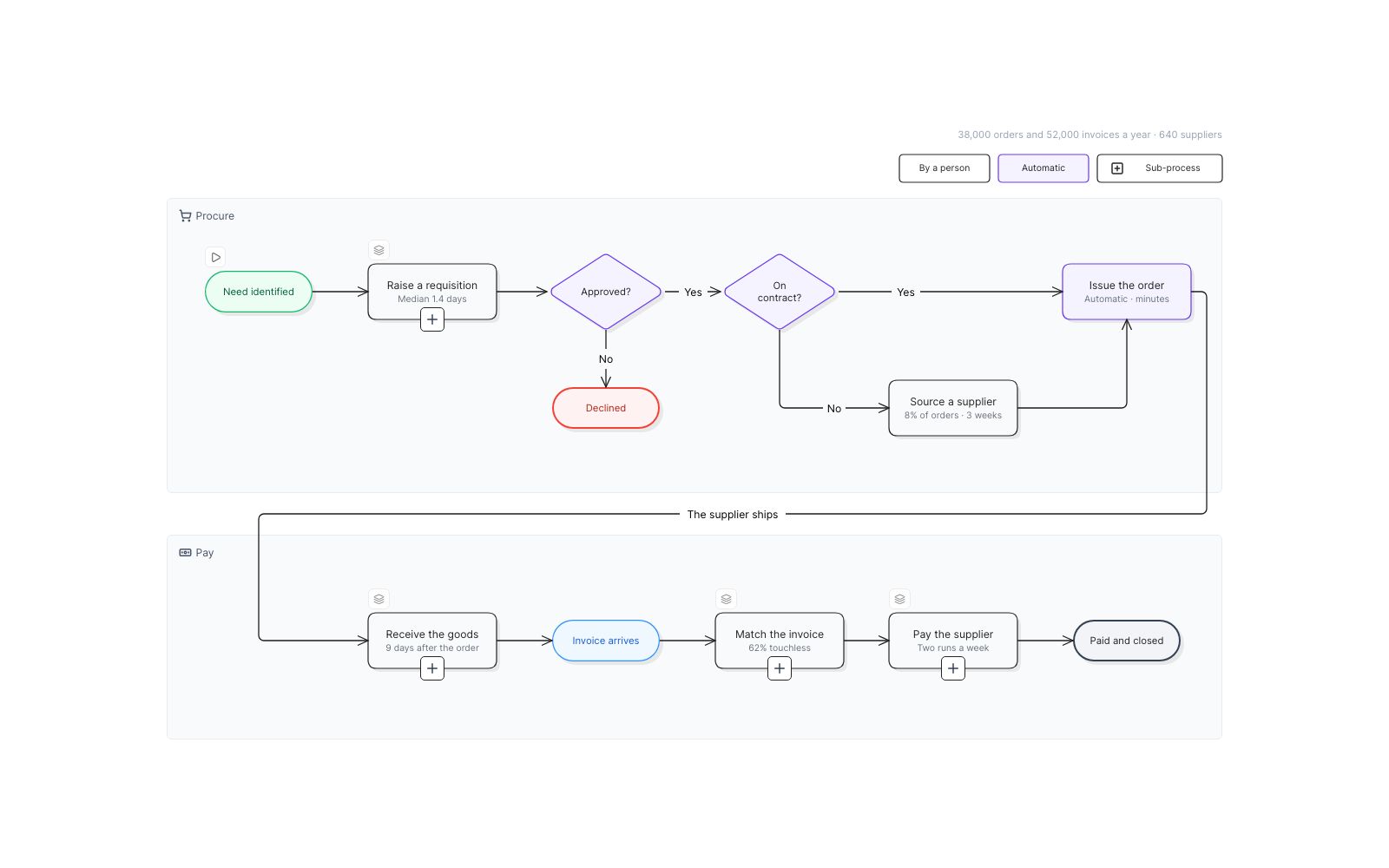
Stonecrop Cycles’ procure-to-pay process as a flow with sub-processes: open a requisition, a goods receipt, an invoice match or a payment run, step by step.
 Process
 Flowchart
 Procure to pay
 Business process
 Drill-down
 Manufacturing
Views in this map
- 1Procure to payFrom a need to a paid supplier. Each box with a plus opens its own flow.
- 2Raise a requisitionA request, a budget check, and approval by amount.
- 3Receive the goodsScan the delivery, sample the safety parts, book it into stock.
- 4Match the invoiceOrder, receipt and invoice must agree within 2%; most invoices clear untouched.
- 5Pay the supplierTwo payment runs a week, and a phone call before paying a changed bank account.
- 6Fix the mismatchA failed match goes to whoever can settle it, then through the match again.
Procure to pay ▸ Requisition ‹ › Receive ‹ › Match ‹ › Pay · Match ▸ Fix the mismatch
Flows to play
- An order, end to end400 brake calipers from a contracted supplier, from the request to the payment. In the Procure to pay view.
- A $900 catalog orderApproved without anyone but the requester touching it. In the Raise a requisition view.
- A $62,000 orderA paint-booth filter system: classified by a buyer and approved twice. In the Raise a requisition view.
- A short delivery of calipersTwelve calipers are missing, and the lot is sampled before it reaches the line. In the Receive the goods view.
- A touchless invoiceWhat 62% of invoices do: read, matched and cleared with nobody touching them. In the Match the invoice view.
- A price mismatchThe invoice is 4% over the order: a detour, then the match again. In the Match the invoice view.
- Price off by 4%The supplier billed the new price list; the contract still holds the old one. In the Fix the mismatch view.
- Paid on termsA cleared invoice, paid in the run before its due date. In the Pay the supplier view.
- A changed bank accountAn email asked to move a supplier’s payments to a new account. In the Pay the supplier view.
The model behind it
83 records of 9 types. Every box on the map is one of them, so the filters and the record panel read the same data.
-
 Steps 26
-
 Decisions 14
-
 Events 14
-
 Controls 7
-
 Systems 6
-
 Documents 6
-
 Sub-processes 5
-
 2 more types 5
Filters
Team and Automation and Path: pick a value and everything else fades.
More map examples
View all map examples →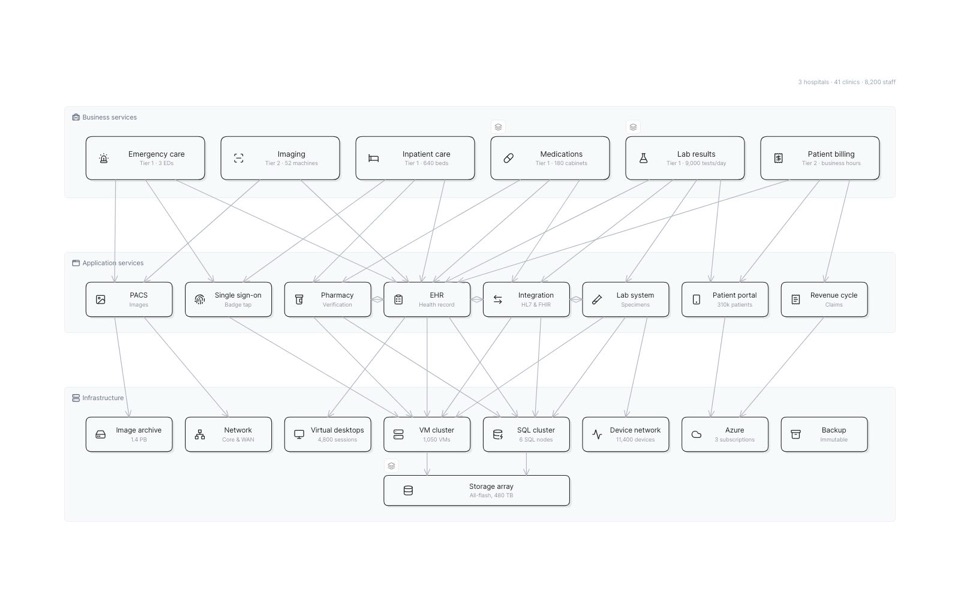
Hospital IT service map
Clinical services down to the apps and infrastructure under them, and what fails when the storage array does.
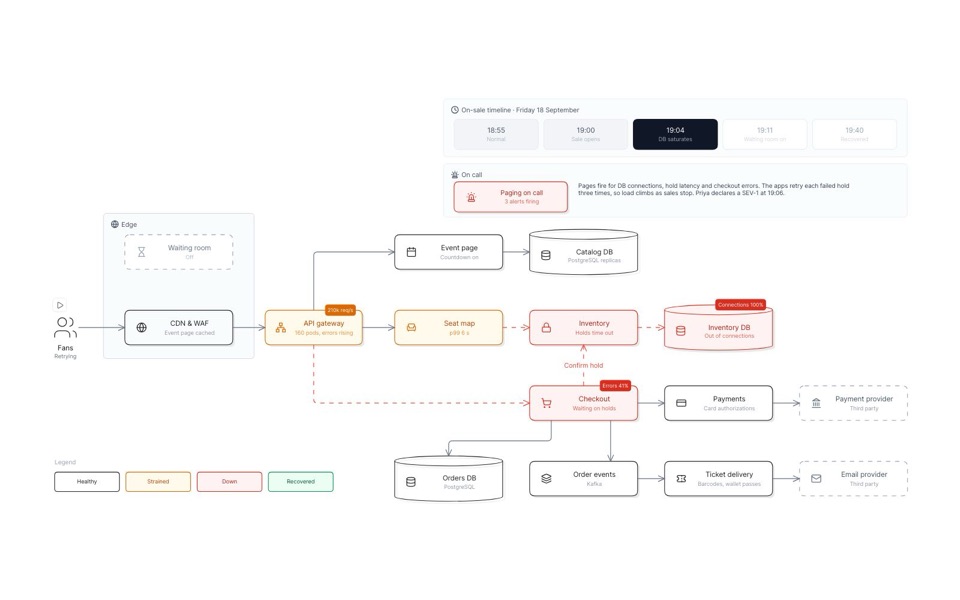
Outage replay of a stadium-tour on-sale
A big on-sale minute by minute: the seat database saturates, a waiting room goes on, and sales recover.
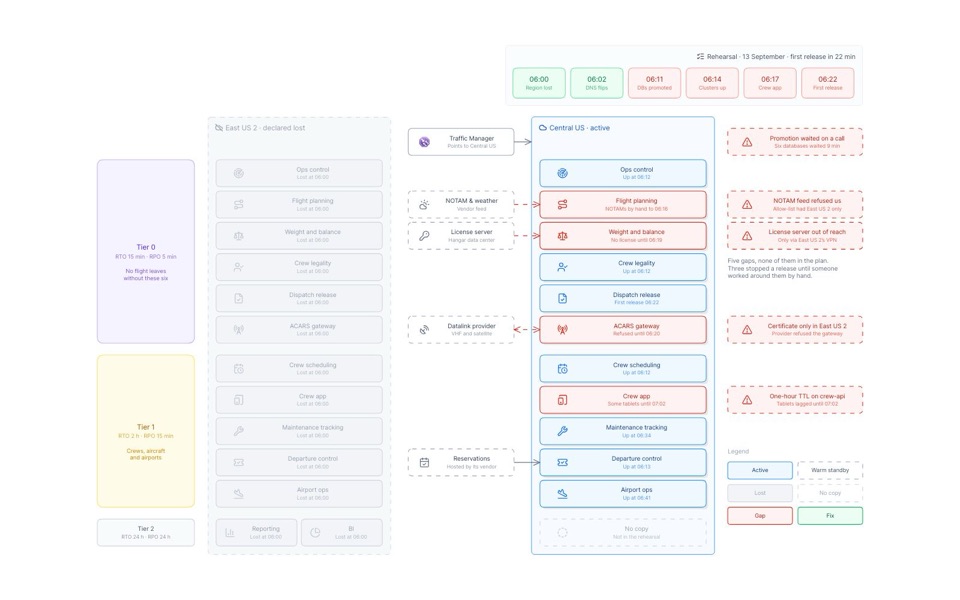
Disaster recovery map of a regional airline
Two Azure regions, what replicates, a failover rehearsal minute by minute and the five gaps it found.
See you in the canvas
Unlock your team’s collaborative super powers.