Security
Single sign-on
Single sign-on lets a user log in once with an identity provider and then reach many applications without signing in again, using a token or assertion.
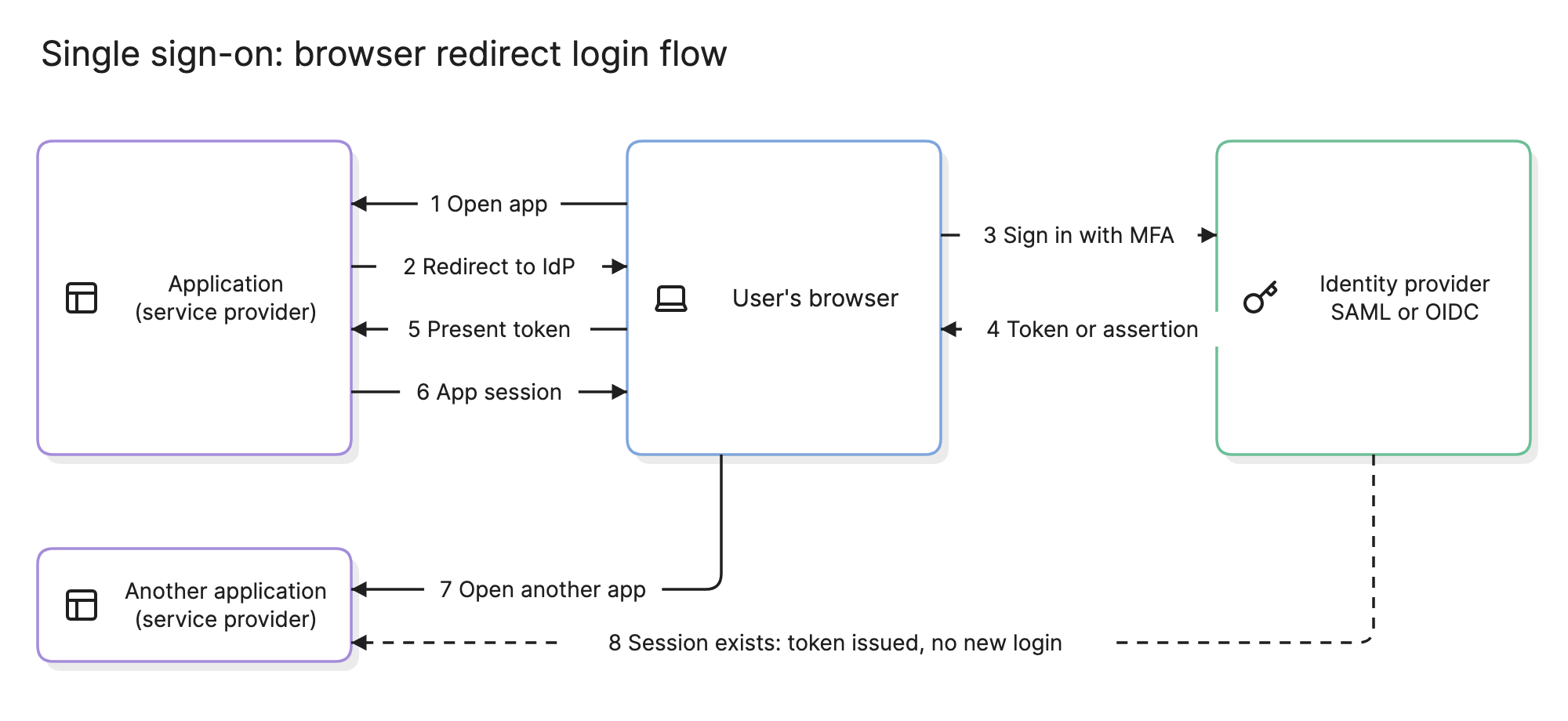
Teams adopt single sign-on because forty applications with forty passwords is a help desk problem, a security problem and an offboarding problem at once. One login at an identity provider fixes all three, and it is the foundation a zero trust architecture builds on.
Why does single sign-on matter?
- One strong login. MFA enforced once at the identity provider protects every application behind it, including ones that never implemented it.
- Offboarding in one step. Disabling a user at the IdP cuts their access everywhere, the same hour they leave.
- Applications stop handling credentials. An app that trusts the IdP never stores a password, so a breach there leaks none.
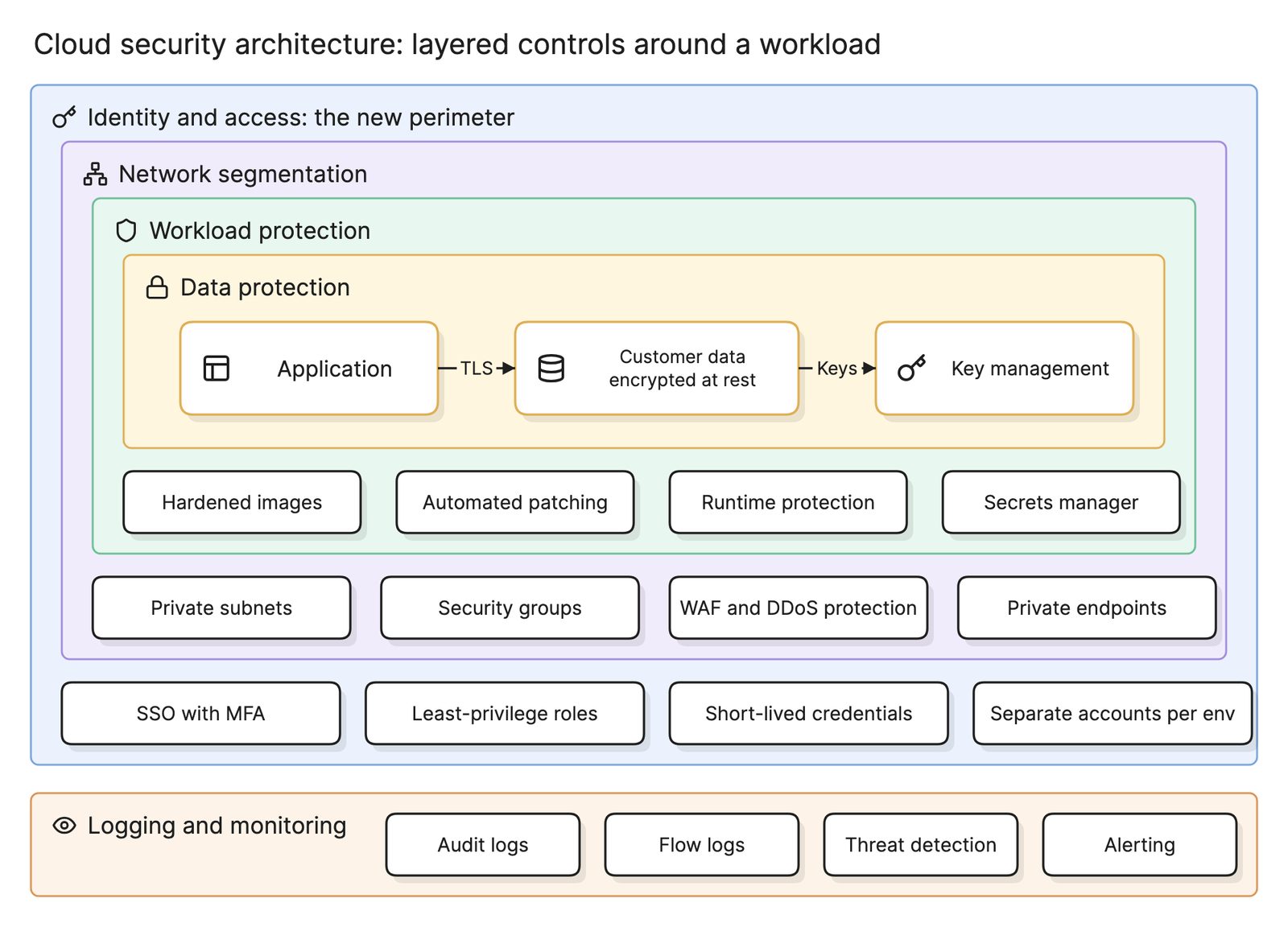
- Central logging. Every login across every application appears in one audit trail, which a cloud security architecture depends on.
What are the parts of single sign-on?
- User and browser. The person logging in, and the browser that carries redirects between the other two parties. Native apps use a system browser for the same job.
- Identity provider. The service that holds accounts, checks the password and MFA and issues a signed assertion or token. Companies typically run one for employees and often another for customers.
- Service provider or relying party. The application the user wants. It trusts the IdP’s signature instead of checking a password.
- Assertion or token. The signed statement from the IdP: who the user is, when and how they authenticated and for which application. The application validates the signature and starts its own session.
How does single sign-on work?
The diagram at the top of this page shows the browser redirect flow, which both SAML and OIDC use.
- Open app. The user visits the application with no session.
- Redirect to IdP. The application sends the browser to the identity provider with a request that names the application and where to return.
- Sign in with MFA. The IdP checks the password and second factor. If the user already has an IdP session, this step is skipped.
- Token or assertion. The IdP sends the browser back with a signed assertion or token.
- Present token. The browser delivers it to the application.
- App session. The application validates the signature, reads the user’s identity and sets its own session cookie.
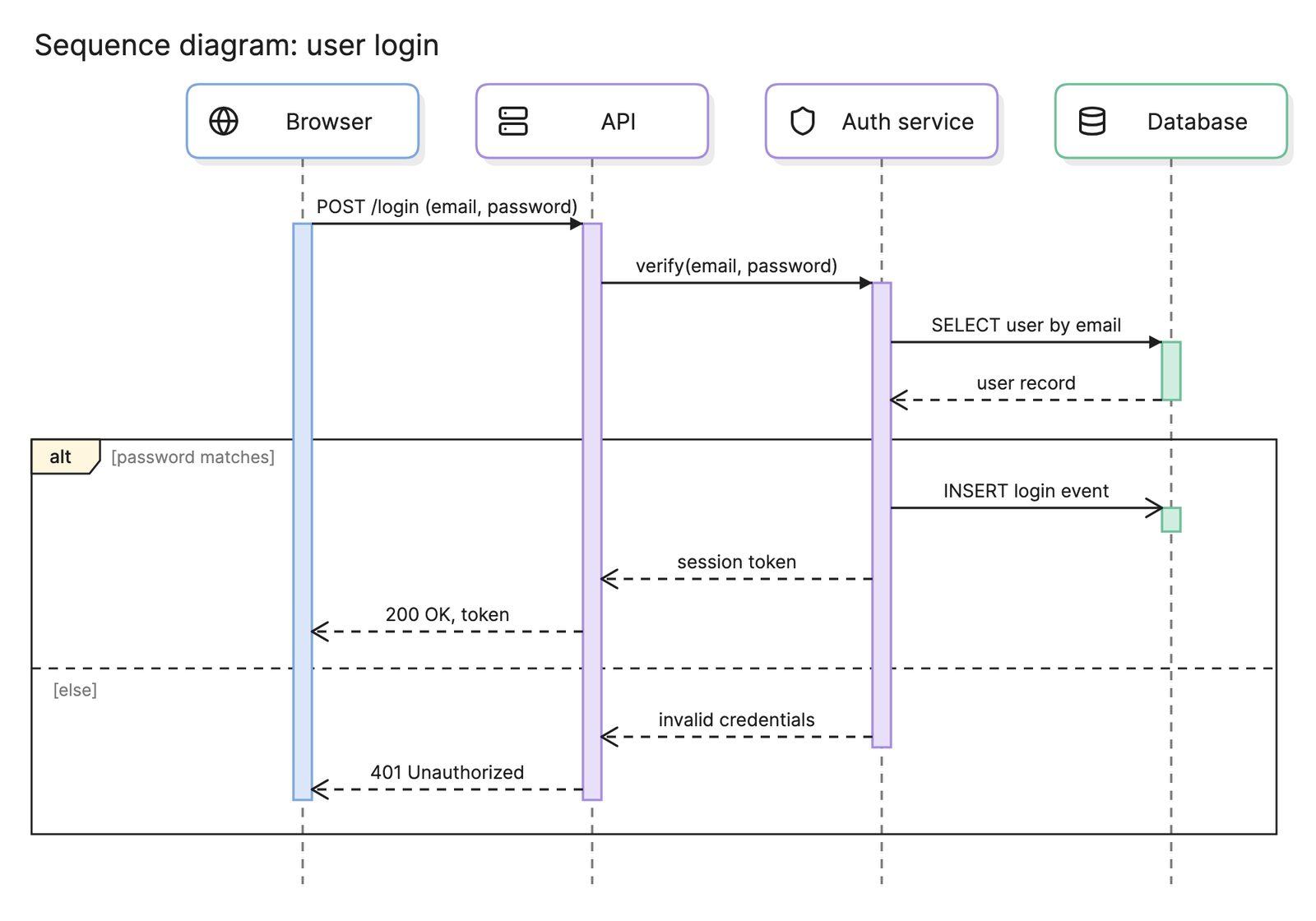
Steps 7 and 8 show why it is called single sign-on. When the user opens another application, steps 1 and 2 repeat, but the IdP sees its existing session and issues a token immediately, with no new login. Most auth design docs draw the same flow as a sequence diagram, and an architecture diagram of the system shows which applications sit behind the IdP.
What is the difference between SAML and OIDC?
| SAML 2.0 | OpenID Connect | |
|---|---|---|
| Based on | XML and browser POST | OAuth 2.0 and JSON |
| What the IdP returns | A signed assertion | A signed ID token (JWT), often with an access token |
| Typical use | Enterprise web apps, older SaaS | New web apps, mobile apps, APIs |
| API access | Not designed for it | Access tokens are part of the model |
| Complexity | Verbose, but mature tooling | Simpler, more variants to choose between |
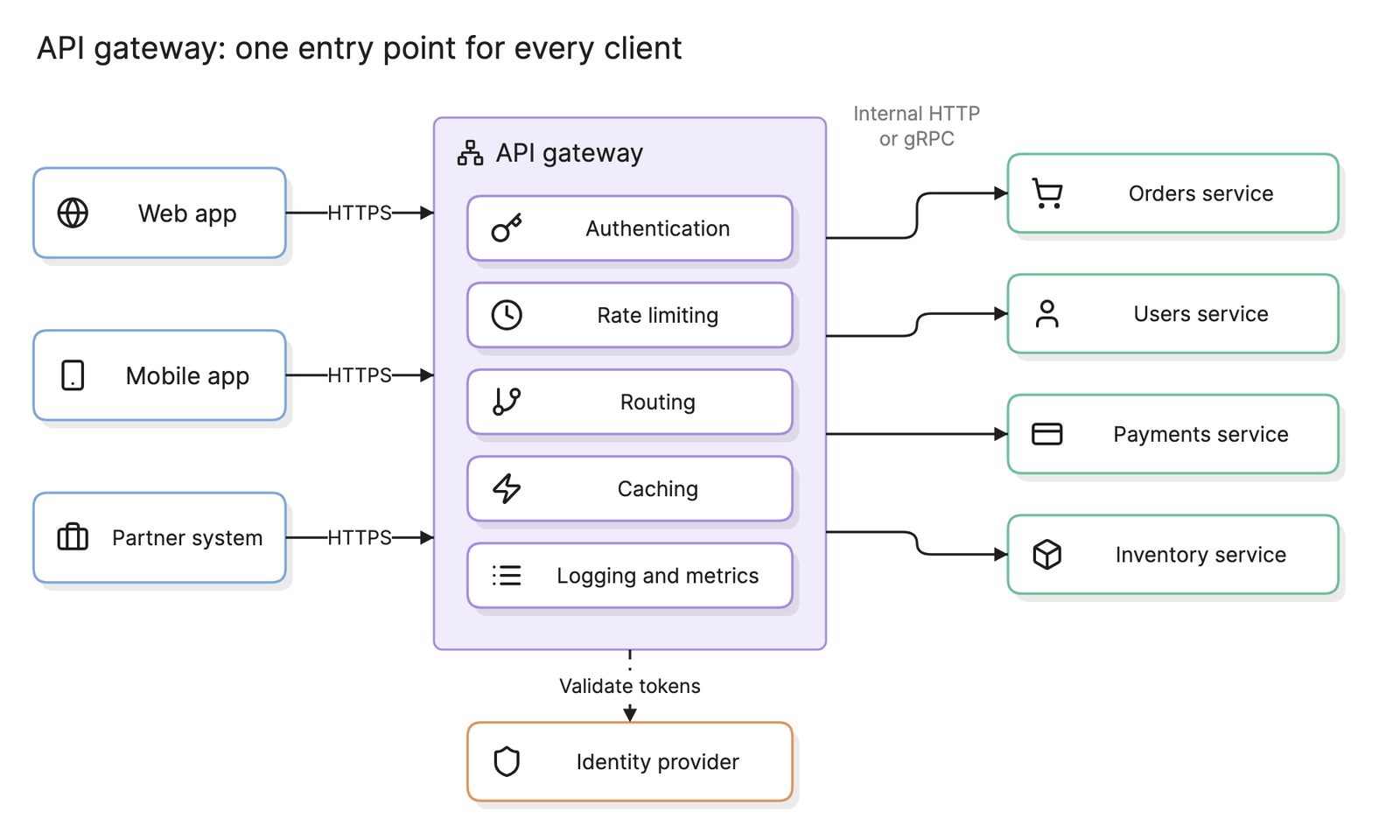
Most identity providers speak both, so the application’s support usually decides. For a new application, OIDC. For an enterprise app that only offers SAML, SAML. An API gateway in front of your services typically validates the OIDC access tokens the same login produced.
How does SSO compare with MFA and federation?
| Term | What it is | Answers |
|---|---|---|
| Single sign-on | One login for many applications | How many times do I log in? |
| Multi-factor authentication | A second proof at login | How sure are we it is you? |
| Federation | Trust between two organizations’ identity providers | Can a partner’s users log in here with their own accounts? |
| Authorization | Rules about what a logged-in user may do | What can you do once you are in? |
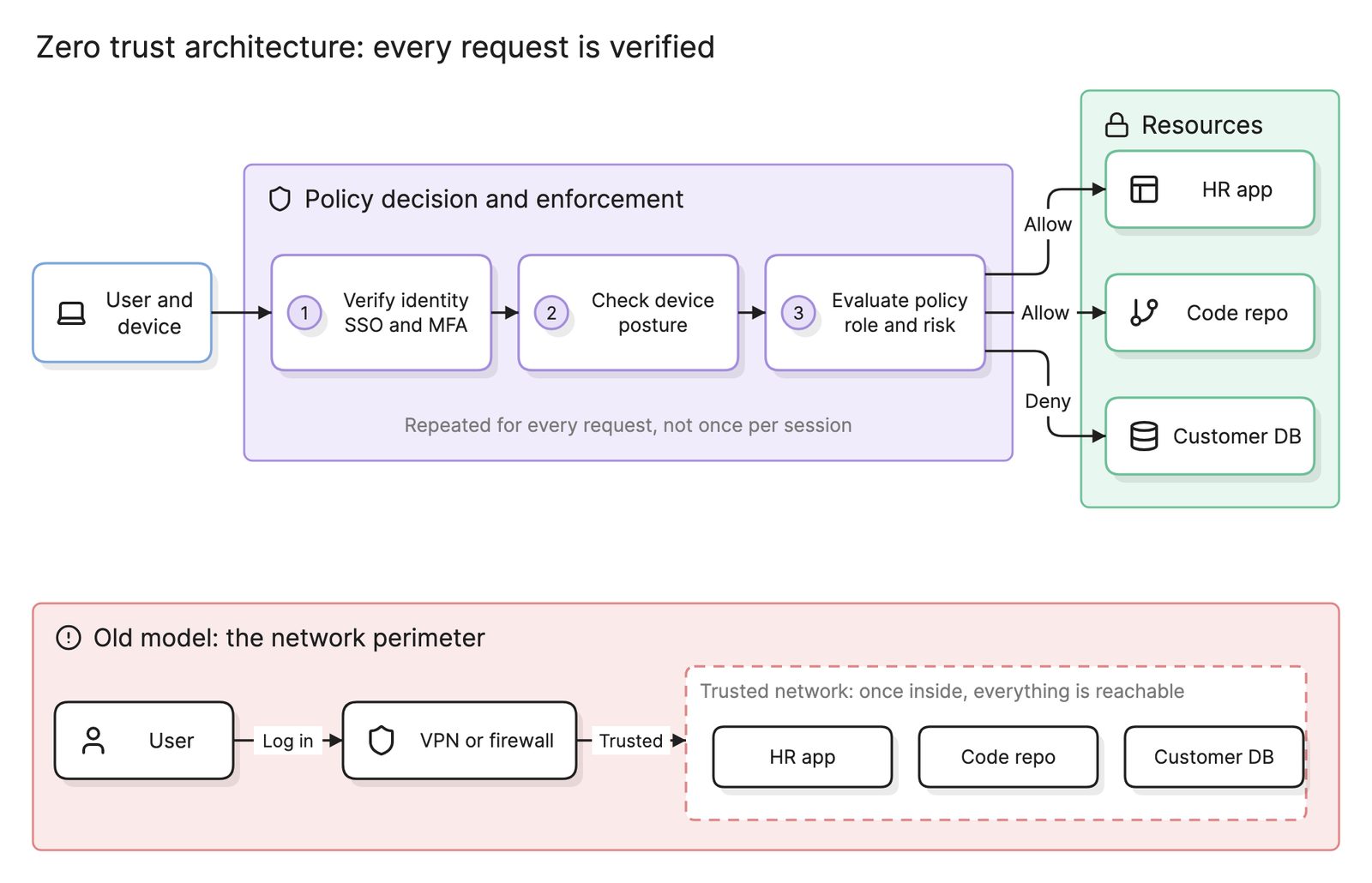
Federation is SSO across organizational boundaries: your IdP trusts a partner’s IdP, so their employees reach your application without an account in your directory. SSO settles who the user is; authorization, enforced at the application or an API gateway, settles what they may do. Both are inputs a zero trust policy engine consumes.
How do you set up single sign-on?
- Choose the identity provider. Usually the one that already holds the employee directory. Turn on MFA for everyone before adding applications.
- Register the application. Create it in the IdP with its redirect URL, and copy the IdP’s metadata or client ID into the application.
- Pick the protocol. OIDC if the application supports it, SAML otherwise.
- Map attributes. Decide which fields the token carries: email, name, groups. Groups let the application assign roles without a second directory.
- Test the flow end to end. Log in, log out, log in again from a second application and confirm the IdP session is reused. Draw the flow and threat model it, with the IdP, the browser and each application in their own trust boundaries on a data flow diagram.
- Automate provisioning. Add SCIM or an equivalent so accounts are created and removed in the application when they change in the IdP.
What are common single sign-on mistakes?
- SSO without MFA. One password now opens everything. Enforce MFA at the IdP before connecting the first application.
- Validating the token loosely. Skipping signature, audience or expiry checks turns the token into a bearer password.
- Forgetting logout. Logging out of one application leaves the IdP session alive, so the next visit logs straight back in. Decide whether you want that.
What tools help with single sign-on?
- Identity providers. Workforce IdPs for employees and customer identity platforms for end users, both supporting SAML, OIDC and MFA.
- Authentication libraries. Protocol libraries for your language that handle the redirect, signature validation and session, so no application implements the flow by hand.
- AI diagramming tools. Tools like Eraser turn a written login flow into a sequence diagram you can keep editing, the easiest way to review the redirects and token checks before they are built. The auth strategies post on Eraser’s engineering blog goes deeper on choosing between them.
For more on this kind of diagram, see auth flow diagrams.
Frequently asked questions
-
What is the difference between SSO and MFA?
Single sign-on is about how many times you log in: once, at the identity provider, for many applications. Multi-factor authentication is about how strongly you prove who you are at that login: password plus a device or key. They combine well, because MFA at the one SSO login protects every application behind it.
-
What is the difference between SAML and OIDC?
Both let an identity provider tell an application who the user is. SAML is older, XML-based and carries the result in a signed assertion posted through the browser. OpenID Connect is built on OAuth 2.0, JSON-based and returns a signed ID token, with a simpler flow that suits mobile and single-page apps. New applications usually choose OIDC.
-
What is an identity provider?
The identity provider, or IdP, is the service that holds the user directory, checks passwords and MFA and issues tokens or assertions that applications trust. It is the single place a user signs in and the single place an administrator removes access. Applications that rely on it are called service providers or relying parties.
-
Is single sign-on secure?
It concentrates risk and reduces it at the same time. One compromised IdP account reaches every application, so the IdP login needs MFA and monitoring. In return, there is one password instead of forty, offboarding removes all access in one step and every application gets the same authentication strength.