Diagram types
Use case diagram
A use case diagram is a UML behavior diagram that shows what a system does for its users, with actors, use cases and the system boundary between them.
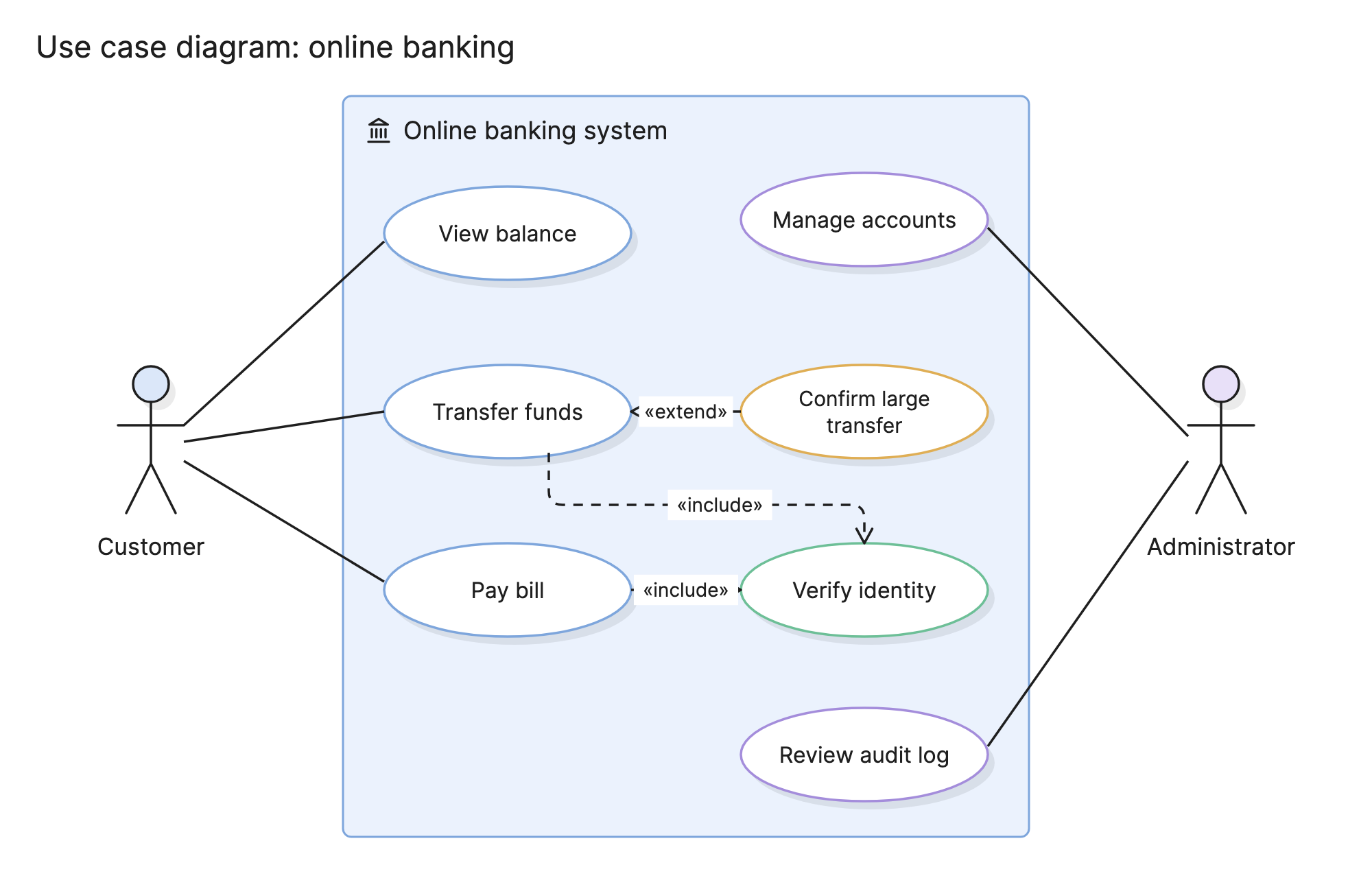
Use case diagrams give a team a one-page answer to “what does this system do, and for whom?” Product managers use them to set the scope of a release, and engineers use them to check that every feature has an owner and that nothing outside the boundary has been assumed to exist.
When should you use a use case diagram?
- Scoping a system or a feature. Agree on what is inside the boundary and what is not before design starts.
- Finding the actors. List every kind of user and every external system the new system has to talk to.
- Writing requirements. Each oval becomes a use case description or a set of user stories, so the diagram doubles as a table of contents.
- Explaining a system to stakeholders. It is the most readable UML diagram for people who do not write code.
What are the parts of a use case diagram?
Actors
An actor is a role outside the system that interacts with it. It is drawn as a stick figure with a name under it. Actors can be people, such as a customer or an administrator, or other systems, such as a payment network. A primary actor starts a use case; a secondary actor is called on during it.
Use cases
A use case is one goal an actor can achieve with the system, drawn as an oval with a short verb phrase inside, such as “Transfer funds”. It is a complete goal, not a step, so “Enter PIN” is too small and “Use the bank” is too large.
System boundary
A rectangle around the use cases with the system’s name on it. Actors sit outside it. The boundary is the whole point of the diagram: it makes the scope visible.
Relationships
| Relationship | Notation | Meaning |
|---|---|---|
| Association | Solid line from an actor to a use case | The actor takes part in the use case |
| Include | Dashed arrow labeled «include», pointing at the included use case | The base use case always runs the included one |
| Extend | Dashed arrow labeled «extend», pointing at the base use case | The extension runs only under some condition |
| Generalization | Solid line with a hollow triangle | One actor or use case is a special kind of another |
Include pulls out a shared step, so “Verify identity” is drawn once rather than inside three use cases. Extend is for optional behavior, so the base use case stays simple.
How do you read a use case diagram?
Start with the actors, then follow their lines into the boundary. In the online banking example, the customer is connected to “View balance”, “Transfer funds” and “Pay bill”. The administrator is connected to “Manage accounts” and “Review audit log”. Two actors with no shared use cases tells you the system has two distinct audiences.
Then read the dashed arrows. “Transfer funds” and “Pay bill” both point at “Verify identity” with «include», so every transfer and every bill payment goes through an identity check, and that check is specified once. “Confirm large transfer” points at “Transfer funds” with «extend», so the confirmation step exists but only applies in some cases, such as transfers over a limit. The condition itself is written in the use case description, not on the diagram.
What the diagram does not say is also useful. There is no “Open account” oval, so account opening happens somewhere else, and there is no payment network actor, so either transfers stay within the bank or an actor is missing.
How do you create a use case diagram?
- Name the system. Write it on the boundary. If you struggle to name it, the scope is not clear yet.
- List the actors. Ask who uses the system and what other systems it depends on. Name roles, not people.
- List each actor’s goals. Each goal that the system completes on its own becomes a use case. Use a verb and an object.
- Draw the associations. Connect each actor to the use cases it starts or takes part in.
- Factor out shared steps with include. If three use cases all verify identity, pull it out.
- Add exceptions with extend. Keep the base use cases for the normal path.
- Review the boundary. Anything an actor needs that is not inside it is either out of scope or missing.
What are common use case diagram mistakes?
- Use cases that are steps. “Click submit” is not a goal. Each oval should be something an actor would recognize as finished.
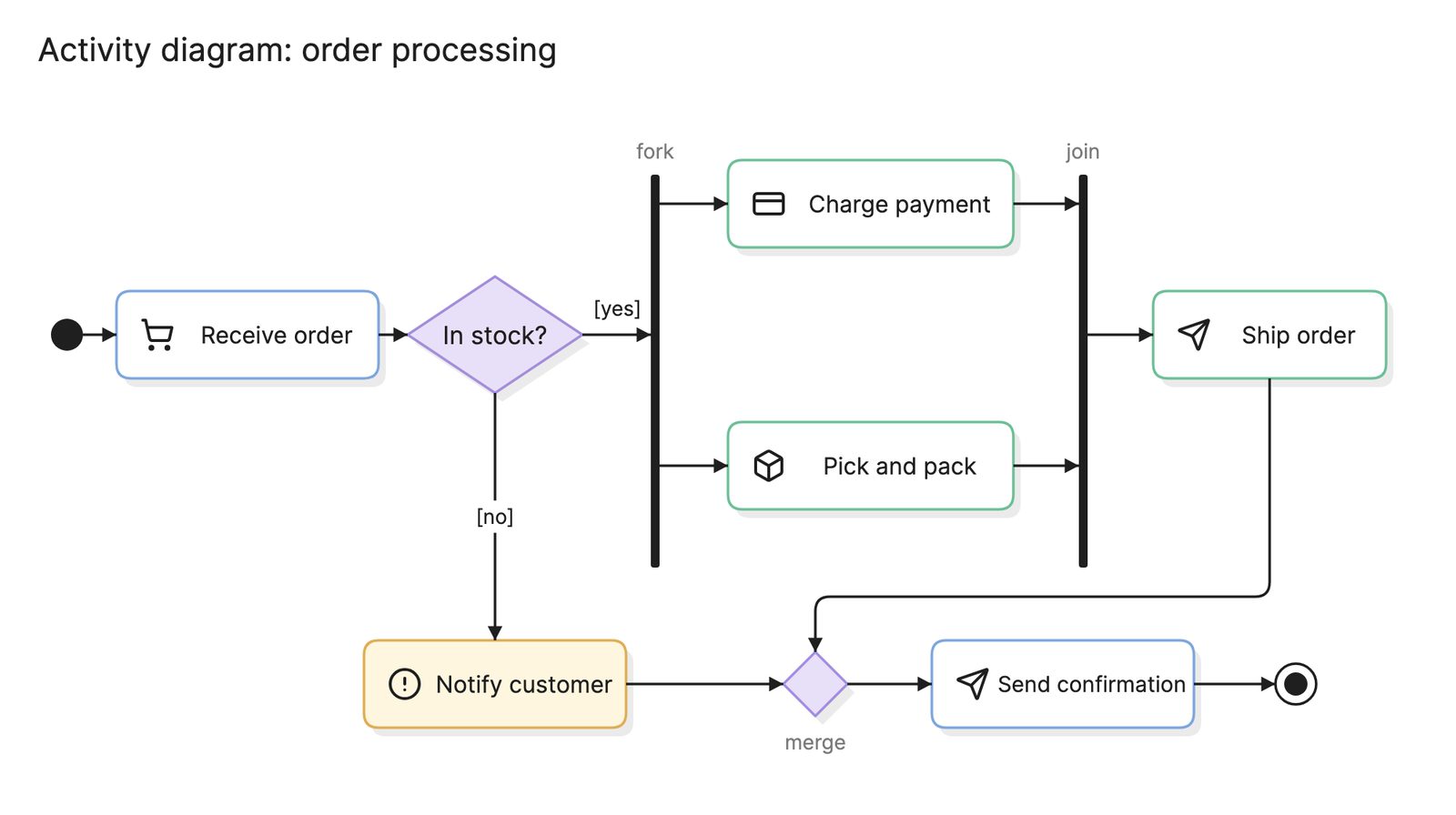
- Modeling the flow. A use case diagram has no order. If you find yourself drawing arrows between use cases to show sequence, you want an activity diagram or a user flow.
- Overusing include and extend. A diagram where every oval points at another is harder to read than one with a few duplicated steps.
- Actors inside the boundary. If a role is inside the system, it is a component, not an actor.
How does a use case diagram compare with other diagrams?
| Diagram | What it shows | Use it when |
|---|---|---|
| Use case diagram | What the system does and for whom | You are agreeing on scope |
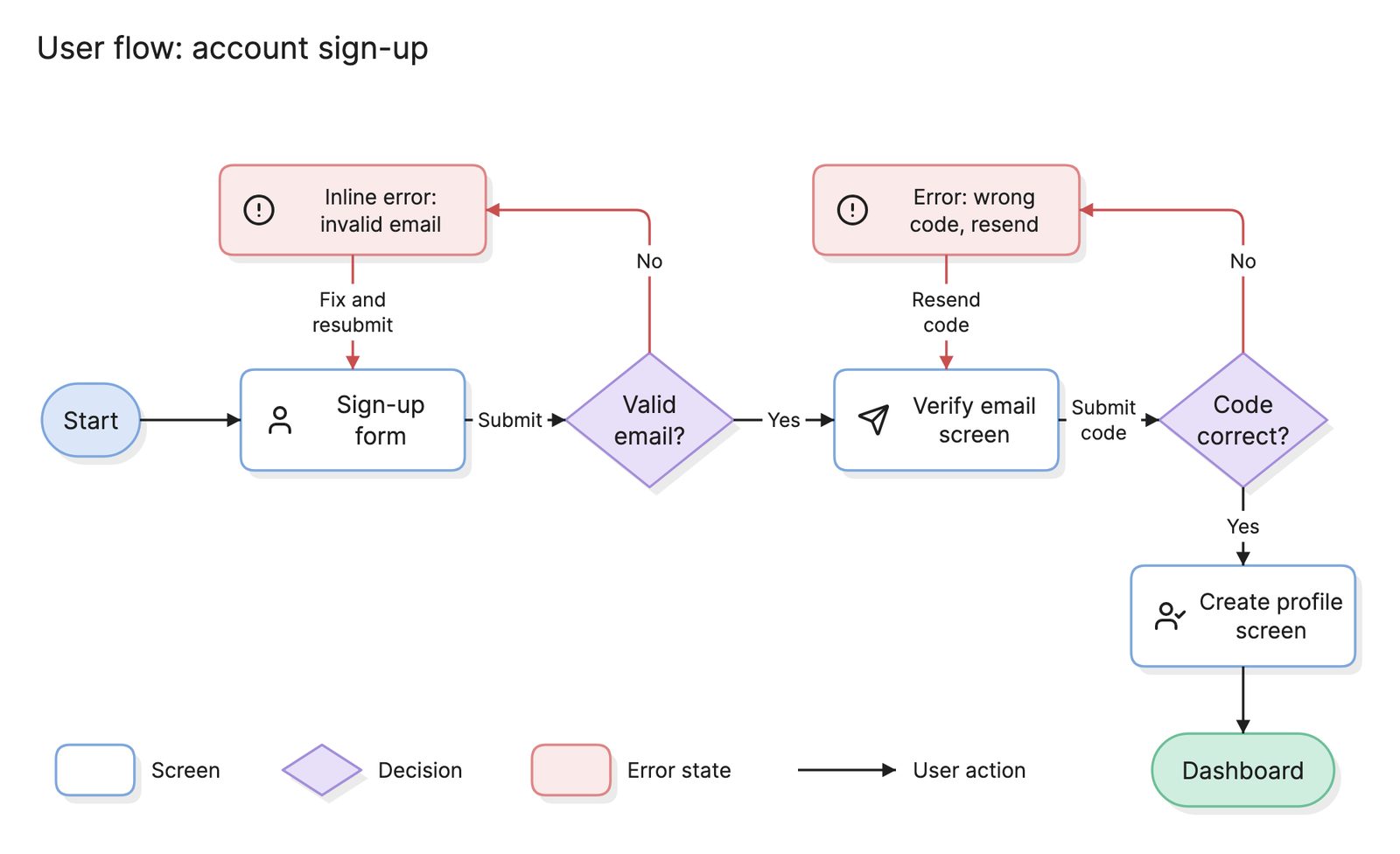
| User flow | The screens and choices in one task | You are designing the path through one use case |
| User journey map | A user’s experience over time, across touchpoints | You are looking beyond the system at the whole experience |
| Activity diagram | The steps and decisions inside a use case | You need the detail of how a use case runs |
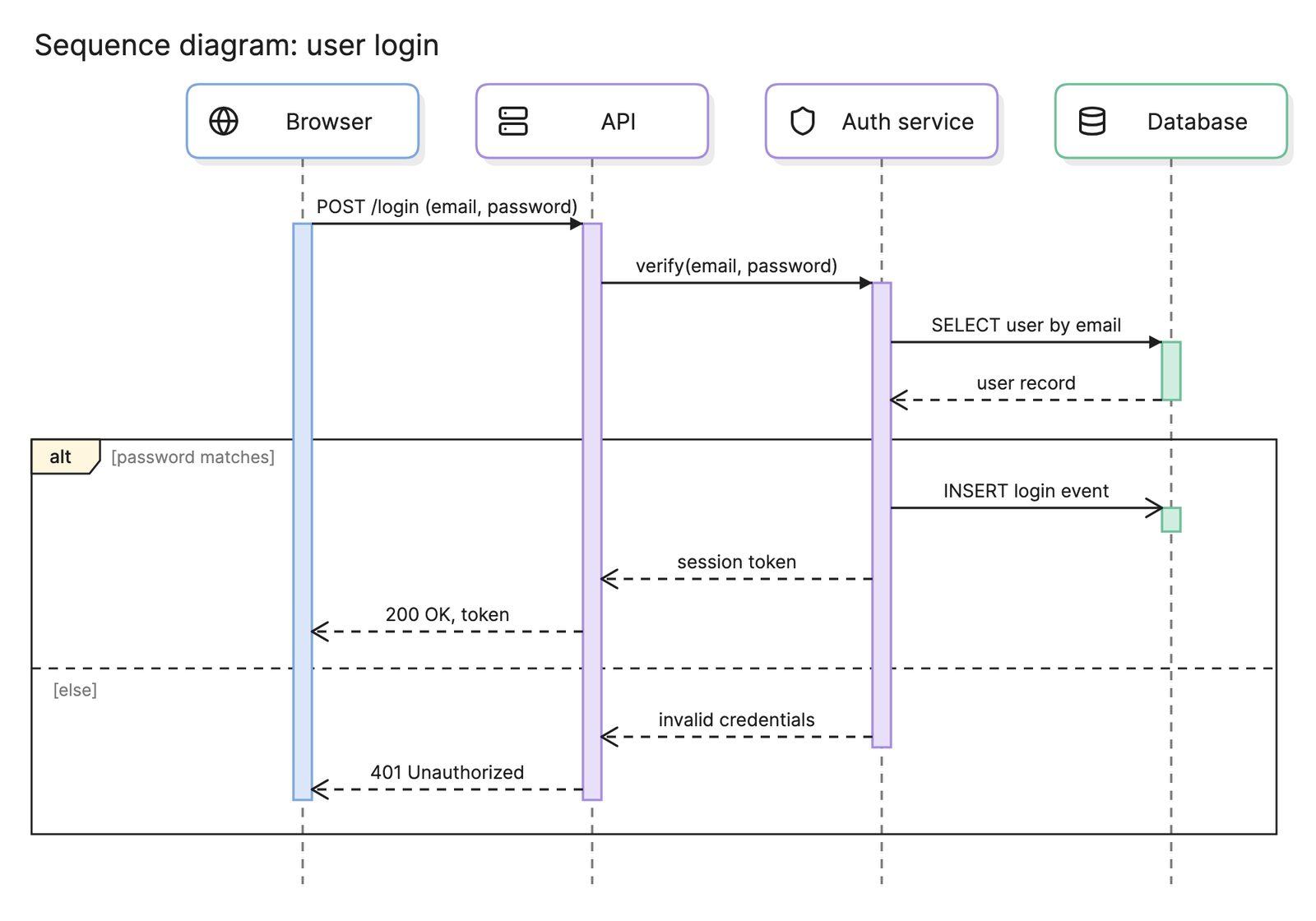
| Sequence diagram | The messages between components during a use case | You are designing the implementation |
What tools can you use to make a use case diagram?
- Drag-and-drop diagramming tools. Most include the UML use case shapes. They suit stakeholder-facing diagrams where the layout matters.
- Diagram-as-code tools. PlantUML has a use case syntax, so the diagram can sit in the repository next to the requirements it summarizes.
- AI diagramming tools. Tools like Eraser take a product description or a requirements document and return a use case diagram you can keep editing, which is a quick way to get a first draft of the scope on the page.
Frequently asked questions
-
What is the difference between include and extend?
Include means the base use case always runs the included one, so "Pay bill" always runs "Verify identity". Extend means the extension runs only under some condition, so "Confirm large transfer" adds to "Transfer funds" only when the amount is over a limit. The include arrow points at the included use case; the extend arrow points at the base use case.
-
Is a use case diagram the same as a user story?
No. A user story is a short sentence describing one thing a user wants, usually on a backlog. A use case is a goal with a written description of the steps and alternatives, and the diagram is a map of all the use cases and who uses them. Teams that write user stories often still draw a use case diagram to show the scope of a feature or a release.
-
What is an actor in a use case diagram?
An actor is a role that interacts with the system from outside it: a kind of user, or another system. It is drawn as a stick figure. An actor is a role rather than a person, so the same person can be a customer in one session and an administrator in another.
-
What is the difference between a use case diagram and a user flow?
A use case diagram shows what the system does and for whom, with no order or steps. A user flow shows the screens and decisions a user moves through to complete one task. Draw the use case diagram first to agree on scope, then draw a user flow for each use case that needs one.